One of the biggest reasons business owners avoid cybersecurity is simple: the language. Every conversation seems to come loaded with acronyms and tech-speak that make you feel like you need a degree just to follow along. That is not your failing. It is the industry's habit of hiding simple ideas behind complicated words. And it is exactly the opposite of how we believe it should be.
So here is a plain-English glossary of the terms you are most likely to run into, each explained the way I would explain it to a friend over coffee. No jargon, no condescension. Bookmark this and come back to it whenever a term trips you up. Understanding the words is the first step to feeling in control of the whole subject.
The threats
- Malware. A catch-all word for malicious software, any program built to harm or take advantage of you. Viruses, ransomware, and spyware are all types of malware. Think of it as the general term for digital pests.
- Virus. A type of malware that spreads from file to file or device to device, much like a biological virus spreads between people. The word everyone knows, though it is just one kind of malware among many.
- Ransomware. Malware that locks up your files or systems and demands payment to unlock them. It is one of the most damaging threats to small businesses, essentially a digital hostage situation.
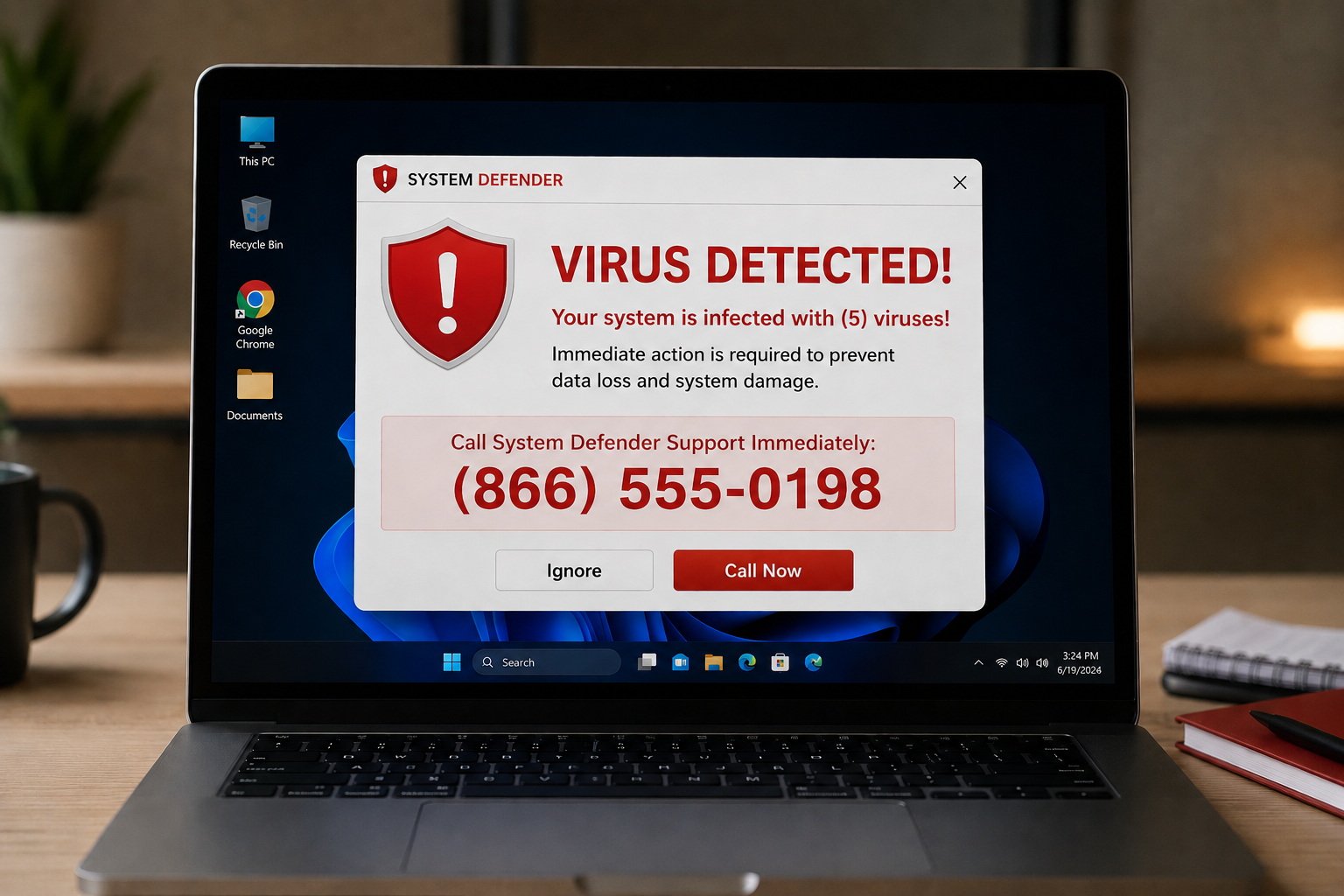
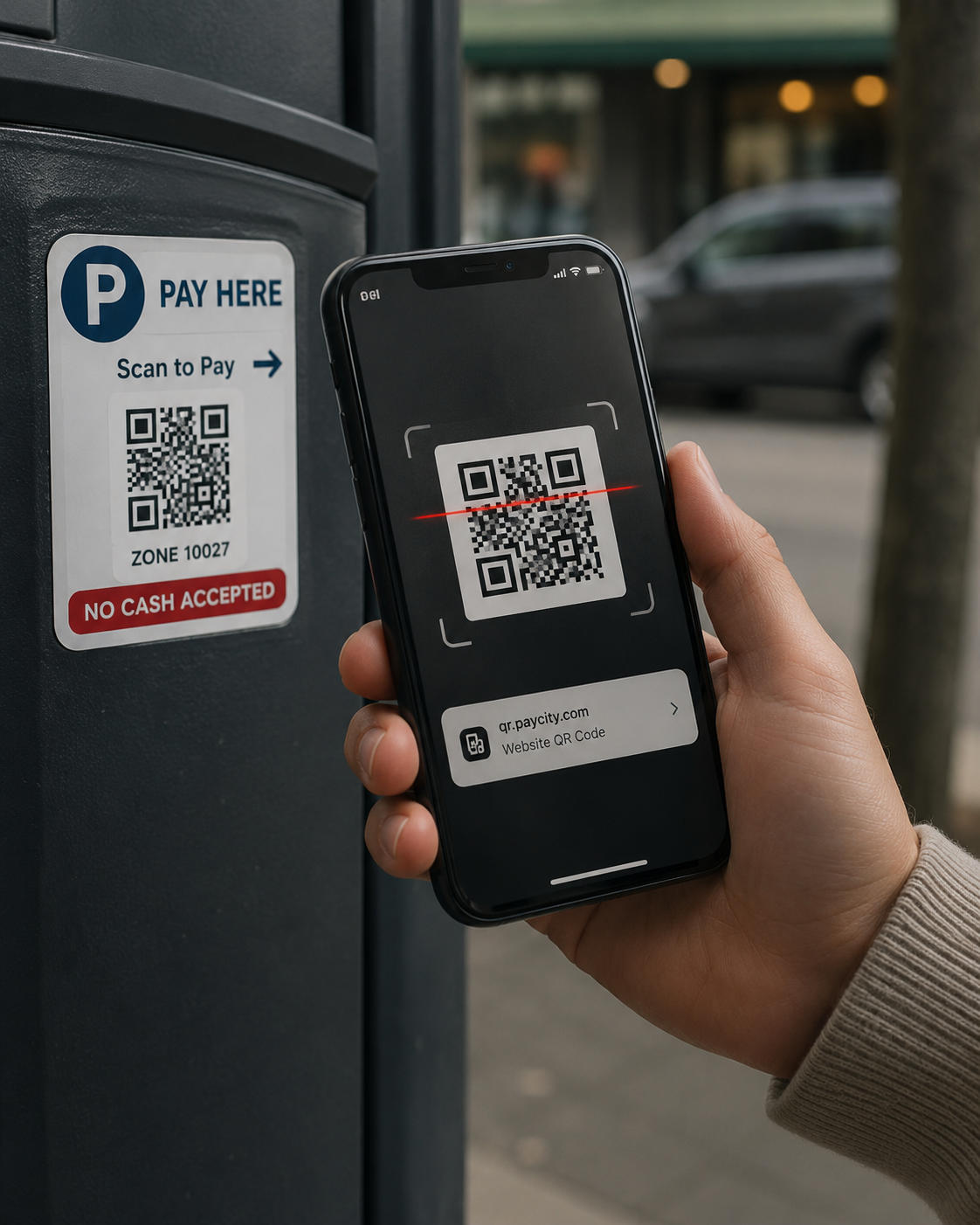
- Phishing. A scam where a criminal sends a message, usually email, pretending to be someone you trust, to trick you into clicking a bad link, giving up information, or sending money. The most common way attacks start. When it comes by text it is called smishing, and by phone call, vishing.
- Social engineering. The broad art of manipulating people rather than hacking machines, tricking a human into doing something or revealing something. Phishing is one form. The key idea: often the target is your people, not your computers.
- Business email compromise. A specific, costly scam where a criminal gets into or imitates a business email account and uses it to redirect a payment or defraud the people who trust that business. Often the silent kind that goes unnoticed for weeks.
- Data breach. Any incident where information that was supposed to be protected gets exposed, stolen, or accessed by the wrong people. The event everything else is trying to prevent.
- Zero-day. A brand-new security flaw that the software maker has not yet fixed, so there is "zero days" of warning. Dangerous because there is no patch yet, which is one reason monitoring matters.
The protections
- Multi-factor authentication (MFA). Requiring a second proof of identity beyond your password, usually a code on your phone, so a stolen password alone is not enough to get in. The single highest-value protection most businesses can turn on. Also called two-factor authentication or 2FA.
- Encryption. Scrambling information so that only someone with the right key can read it. It is what makes your data unreadable to anyone who intercepts or steals it. The padlock in your browser means the connection is encrypted.
- Firewall. A barrier that monitors and controls the traffic coming into and out of your network, allowing the good and blocking the bad. Think of it as a security guard at the entrance to your network, deciding what gets through.
- Endpoint detection and response (EDR). Modern protection for your devices, your "endpoints," that watches for suspicious behavior and stops threats it has never seen before. The upgrade from old-style antivirus, your digital guard dog rather than a simple list of known pests.
- Antivirus. Older-style software that scans for and removes known malware. Still useful, but on its own no longer enough, which is why EDR has largely replaced it for real protection.
- VPN (virtual private network). A tool that creates a private, encrypted tunnel for your internet traffic, useful on untrusted networks like public Wi-Fi and for connecting remote workers securely. Protects your connection, but is not a complete security solution by itself.
- Patch. A software update that fixes problems, often security holes. "Patching" simply means keeping your software up to date so known weaknesses get closed.
- Backup. A separate, protected copy of your data that lets you recover if the original is lost, locked, or destroyed. Only truly useful if it is tested, so you know it actually works.
- Multi-layered security. The principle that no single tool protects you, so you stack several, like locks, alarms, cameras, and a safe in a building. Each layer covers what the others miss.
The people and systems
- SOC (Security Operations Center). A team, or a service, that monitors your systems for threats around the clock and responds when something happens. The "someone watching at 2 a.m." that turns tools into real protection.
- Managed detection and response (MDR). A service that combines the monitoring tools and the human experts to watch your business and respond to threats for you, common for small businesses without their own security staff.
- Incident response. The plan and the actions for what to do when something goes wrong, who to call, what to shut down, how to recover. Having one turns a crisis into a managed process.
- Compliance. Meeting the security rules and standards that apply to your business, whether from regulators, industry standards, or your insurer. Examples include HIPAA in healthcare and PCI for handling card payments.
- Phishing simulation. A safe, fake phishing email a business sends its own team for practice, to build the habit of spotting the real thing. Training that sticks better than a once-a-year lecture.
- Credentials. Just a formal word for login information, your username and password. "Stolen credentials" means someone has your login details.
- The dark web. A hidden part of the internet, reachable only with special software, where stolen data and credentials are often bought and sold. Where your information may end up after a breach.
Why plain language matters
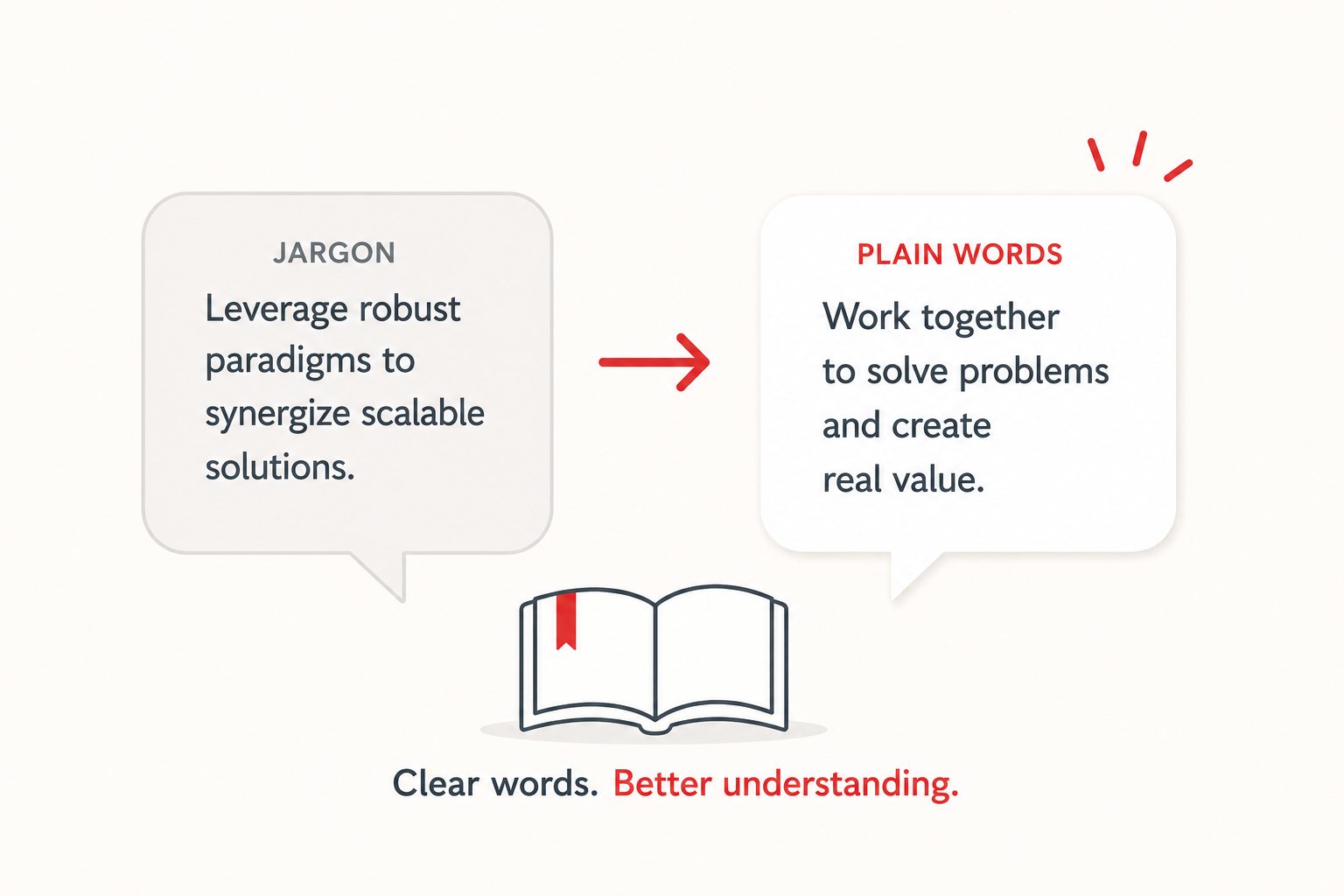
Here is the real point of all this. The jargon is not just annoying, it is a barrier that keeps owners from protecting themselves, because it is hard to make good decisions about things you have been made to feel you cannot understand. Strip away the words and almost every one of these ideas is simple and sensible. You do not need to become fluent in tech-speak. You just need the terms demystified enough that you can follow the conversation and make smart calls.
That belief is the foundation of how we work at Red Door Shield. We translate everything, because security you cannot understand is security you cannot really trust. We organize it all around a simple framework we call KIT: Keep what is valuable secure, Inspect what is coming in, and Trust through validation. Three plain ideas that hold all the rest together. If anyone ever explains your security to you in a way that leaves you more confused than before, that is a problem with the explanation, not with you.
What ready looks like
Picture sitting in a conversation about your business's security and following all of it, asking good questions, understanding the answers, and making confident decisions, because the words no longer intimidate you. The jargon was never the hard part. It was just standing in the way.
That is what ready feels like. Not pretending to understand, and not tuning out, but genuinely grasping what matters enough to act on it.
Keep this glossary handy, and come back whenever a term throws you. And if you want to talk through your business's security with someone who will explain every bit of it in plain English, with no jargon and no pressure, that is exactly the kind of conversation we are here for.
Read about ransomware, learn about the dark web, or see how to set up MFA.
Know Where Your Business Stands
Our free Business Security Assessment gives you a clear picture of your current security posture in less than 10 minutes. No technical knowledge required.
Not sure where your business actually stands?
Take our free Business Security Assessment. In under 10 minutes, you will know exactly where your gaps are and what it would take to close them.
Get My Free Security Assessment