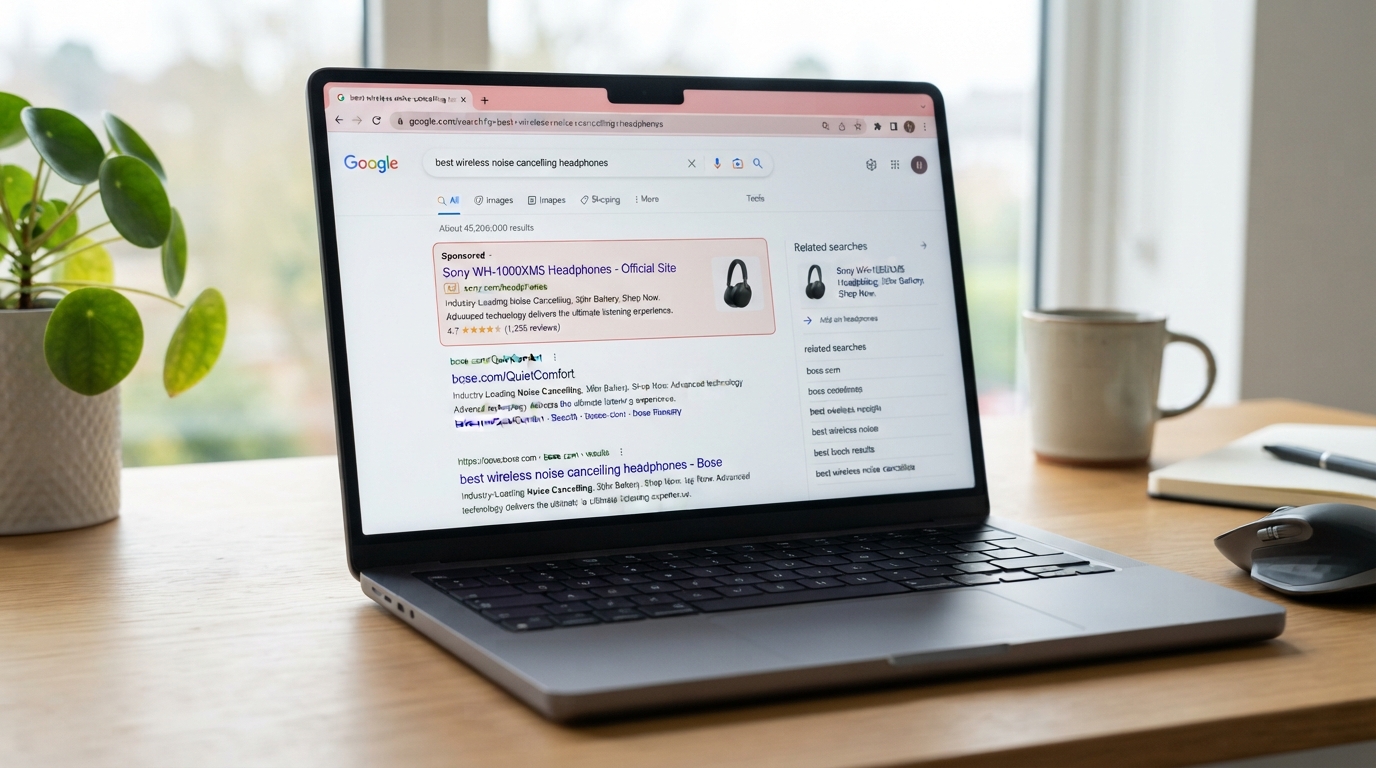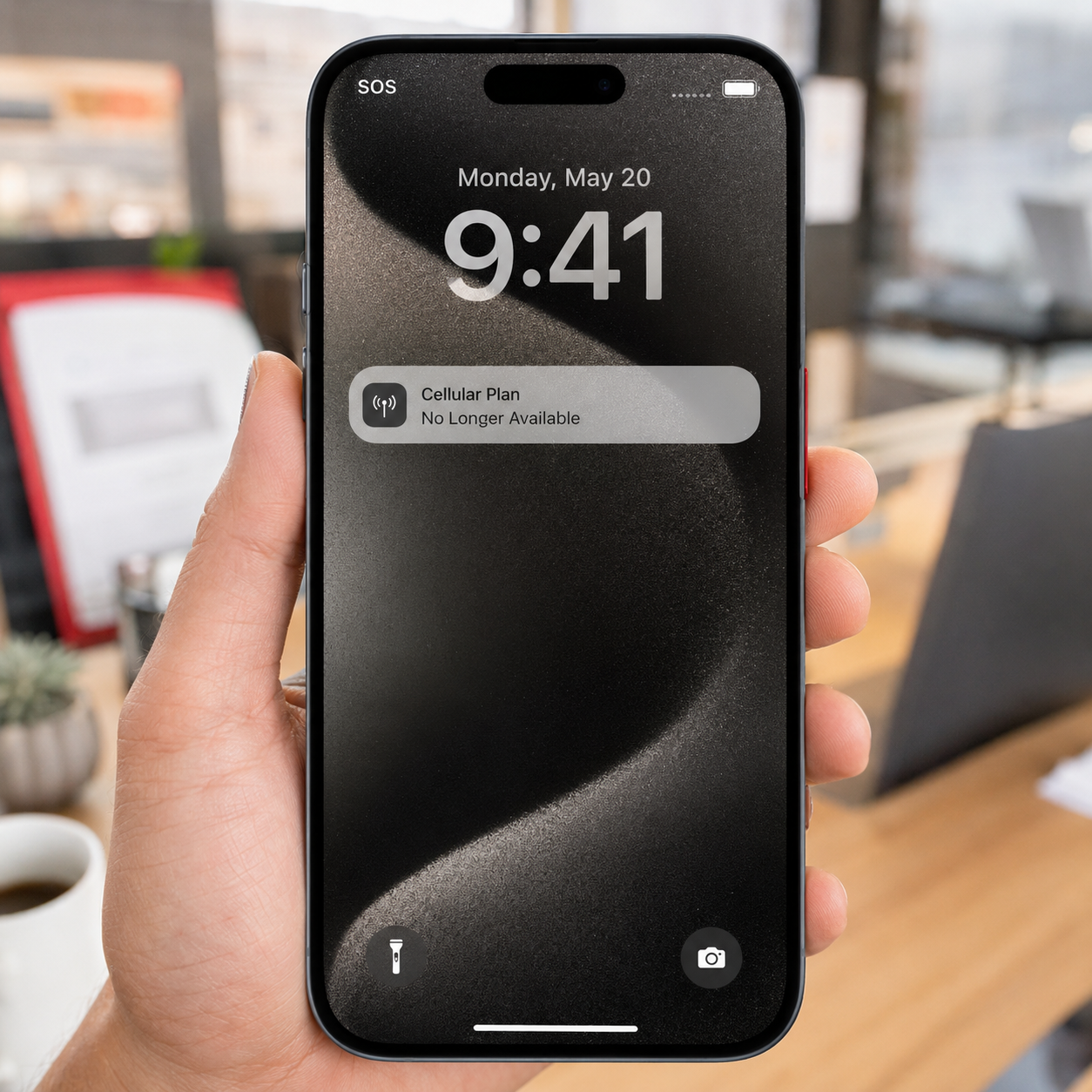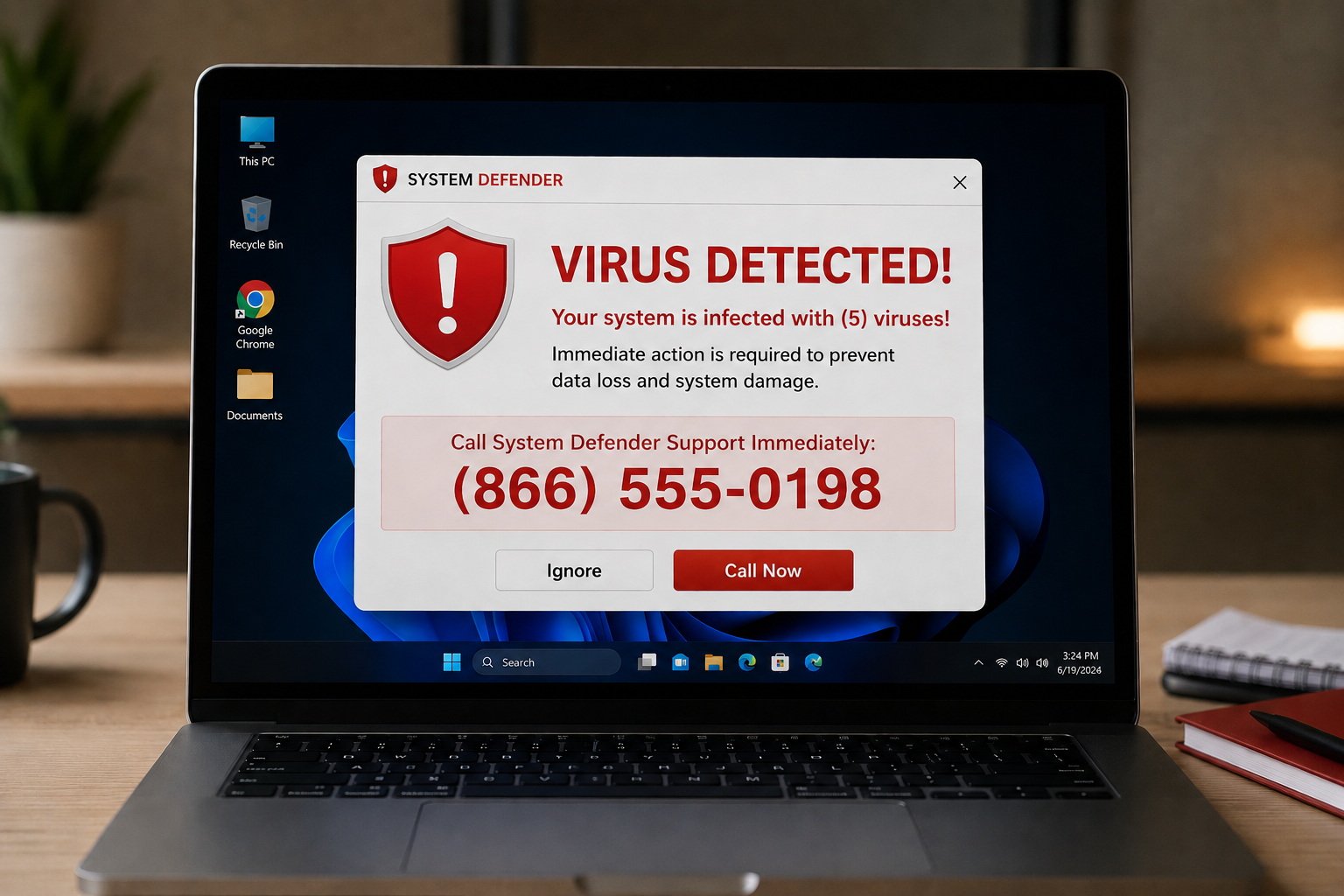
It happens without warning. You are working along, and suddenly your screen fills with an alarming message. "Your computer is infected!" "Critical security alert!" Maybe it is flashing red, maybe there is a loud beeping, and there is a phone number to call right away for help, often claiming to be from a big-name company like Microsoft or Apple. Or maybe it comes as a phone call out of the blue: someone saying they are from tech support and they have detected a problem with your computer.
Here is the one thing to know above all else: this is a scam, and the worst thing you can do is call that number or let them help you. Fake tech support fraud is one of the oldest tricks still working, because it preys on a very normal reaction, fear that something is wrong with your computer, plus the relief of someone offering to fix it. Once you understand how the trick works, it loses all its power. Let me show you.
How the scam actually works
The whole con runs on manufactured panic. The scammer's first job is to scare you into believing your computer has a serious problem, then position themselves as the helpful expert who can solve it. It usually unfolds in one of two ways.
The pop-up version: a webpage or ad triggers a scary full-screen warning, sometimes hard to close, telling you that you are infected and must call the number shown. The page may look official and use real company logos. None of it is real. A genuine virus warning from your actual security software does not tell you to call a phone number.
The phone call version: someone calls claiming to be from Microsoft, Apple, your internet provider, or "tech support," saying they detected a virus or suspicious activity on your computer. Real technology companies do not cold-call you about problems on your specific machine. They do not know, and they would not call.
Either way, once they have your attention, the goal is the same. They want you to do one or more of three things: give them remote access to your computer so they can "fix" it, pay them for unnecessary or fake services or software, or hand over passwords and financial information. And remote access is the truly dangerous one. If you let them control your computer, they can install real malware, steal your files and passwords, lock you out, or reach into your business accounts. You will have invited the criminal in and handed them the keys, believing they were there to help.
The red flags, every time
These scams share the same fingerprints, and once you know them, they are easy to spot.
There is urgency and fear, a manufactured emergency pushing you to act right now before you can think. There is an unsolicited contact, a warning or call you did not seek out, claiming to know about a problem on your specific computer. There is a request for remote access, asking to connect to or control your machine. There is a demand for payment, often by unusual methods like gift cards or wire transfer, which legitimate companies never require. And there is impersonation of a trusted name to borrow credibility. Any one of these should stop you cold. Together, they are the unmistakable signature of a tech support scam.
What to do instead
The response is reassuringly simple. Do not call the number in a pop-up, and do not trust a caller who contacted you out of the blue about your computer. Do not give anyone remote access to your device unless you contacted a provider you already know and trust. Do not pay, and never pay anyone in gift cards, that request alone is a guaranteed scam.
If a scary pop-up has taken over your screen, do not panic and do not call. Try closing the browser or tab, and if it will not close, closing the program entirely or restarting the computer clears almost all of these fake warnings. If you are genuinely worried something is wrong, contact your real IT support or a known, trusted professional directly, using a number you look up yourself, not one a pop-up handed you.
And if you or someone on your team did fall for it and granted access or paid, do not be embarrassed, act. Disconnect the computer from the internet, change your important passwords from a different device, turn on multi-factor authentication, contact your bank if payment was involved, and get a trusted professional to check the machine. Quick action limits the damage.
How we think about it
Tech support scams are a textbook case of attacking the person instead of the technology, which is why both awareness and real protection matter, and it is how we think about security at Red Door Shield, through a simple framework we call KIT: Keep, Inspect, Trust. Keep what is valuable secure, with protections like multi-factor authentication so that even if someone is tricked, the damage is contained. Inspect what is coming in, including the malicious ads and pages that launch these fake warnings. And trust through validation, the simple, powerful habit of not trusting an unsolicited warning or caller, and verifying through a source you control instead. The scam relies entirely on fear overriding that instinct. Awareness restores it.
What ready looks like
Picture the scary pop-up appearing and your reaction being a calm eye-roll instead of a spike of panic, because you recognize it instantly for what it is, close it, and move on. Picture your whole team knowing that no real company calls about a virus on their specific computer, and that no one ever gets remote access or a gift card. The scam that works on fear simply has nothing to grab onto.
That is what ready feels like. Not being rattled by a manufactured emergency, but seeing straight through it.
These scams survive only because they catch people off guard in a moment of fear. Take away the surprise by knowing how they work, and share it with your team and anyone you care about, because this one hits home users and businesses alike. If you want help making sure your business has both the awareness and the protection to shrug off scams like this, that is a conversation worth having today.
Learn how to spot text message scams, read about QR code scams, or see our guide on stopping phishing.
Know Where Your Business Stands
Our free Business Security Assessment gives you a clear picture of your current security posture in less than 10 minutes. No technical knowledge required.
Not sure where your business actually stands?
Take our free Business Security Assessment. In under 10 minutes, you will know exactly where your gaps are and what it would take to close them.
Get My Free Security Assessment