The best version of employee phishing training is one your team never has to use.
Not because training does not matter, it absolutely does, but because the ideal outcome is that the dangerous emails never reach your team in the first place. Your employees should not be your last line of defense against phishing. They should be protected by a system that catches the majority of threats before any human decision is required.
That system is email security. And for most small businesses, what they currently have in place is not it.
What Email Security Actually Is
Email security is the set of technologies and protocols that examine every message entering your business inbox, assess whether it is legitimate or malicious, and block or quarantine the dangerous ones before they reach your team.
It is not the same as spam filtering. Spam filtering removes unwanted marketing emails and obvious junk. Email security addresses a fundamentally different problem: sophisticated, targeted attacks designed specifically to avoid looking like spam.
A phishing email crafted by a criminal is not trying to sell you something. It is trying to look exactly like a legitimate message from someone you trust. A basic spam filter has no tools to evaluate that kind of threat. Email security does.
Think of the difference this way. A spam filter is a screen door. It keeps out insects and debris that are obviously not supposed to be there. Email security is a security checkpoint with trained personnel, ID verification, and threat assessment equipment. It examines everything that approaches and makes an informed decision about what gets through.
Where Email Security Happens
To understand what email security does, it helps to understand the path an email takes before it reaches your inbox.
When someone sends you an email, that message travels from their email server across the internet to your email server, and then from your server to your inbox. Email security technology sits at the entry point of your server, examining every message that arrives before it is delivered to anyone on your team.
This positioning is what gives email security its value. It operates before the human sees anything. A message that is identified as malicious is quarantined or rejected at the server level. Your employee never sees it, never has the opportunity to click it, and never has to make a judgment call about it.
This is fundamentally different from relying on your team to identify and ignore threats that have already landed in front of them.
The Threats Email Security Is Built to Stop
Understanding what email security protects against clarifies why your current setup may not be sufficient.
Phishing links
These are hyperlinks inside emails that direct recipients to fraudulent websites designed to steal login credentials, install malware, or collect sensitive information. Email security tools analyze the destination of every link in every incoming message, including following the link to see where it actually leads, before the email is delivered. Links that resolve to known malicious domains or exhibit suspicious behavior are blocked before anyone clicks them.
Malicious attachments
These are files sent as email attachments that install ransomware, spyware, or other harmful software when opened. Email security tools open and analyze attachments in an isolated environment, called a sandbox, where any malicious behavior the file exhibits is observed without risk to your actual systems. Files that behave maliciously in the sandbox are blocked before they reach your team.
Spoofed sender addresses
These are email addresses crafted to look like they come from a trusted source when they do not. A criminal might send an email that displays the name of your bank or your business partner while the actual sending address belongs to a completely unrelated domain. Email security evaluates the technical authenticity of the sender's address and flags or blocks messages where the display does not match the verified reality.
Business Email Compromise attempts
These are targeted attacks that impersonate executives, vendors, or clients to trick employees into transferring money or sharing sensitive information. Email security tools analyze communication patterns, flag unusual requests, and apply additional scrutiny to messages that match known Business Email Compromise signatures.
Impersonation attacks
These use domain names and display names that closely resemble legitimate contacts, differing by one letter or using a similar-looking character, to trick recipients who are reading quickly. Email security evaluates these similarities and flags messages where impersonation patterns are detected.
The Technical Foundation: Sender Authentication in Plain English
There are three technical standards that form the foundation of email sender authentication. You do not need to understand the technical details to benefit from them, but knowing what they do helps you verify whether your email environment is properly configured.
SPF, which stands for Sender Policy Framework, is a record that tells the internet which servers are authorized to send email from your domain. If an email arrives claiming to be from your domain but it was sent from a server not on your approved list, SPF flags it as potentially fraudulent. Think of it as a list of authorized senders that email systems check before accepting a message as legitimate.
DKIM, which stands for DomainKeys Identified Mail, adds a digital signature to every email your domain sends. When a recipient's email server receives the message, it verifies that the signature is valid and that the message has not been altered in transit. Think of it as a tamper-evident seal on every email your business sends. If the seal is broken or missing, the receiving system knows something is wrong.
DMARC, which stands for Domain-based Message Authentication, Reporting, and Conformance, ties SPF and DKIM together and tells receiving email servers what to do with messages that fail those checks. It also sends reports back to your domain so you can see who is attempting to send email using your business name. Think of it as the policy that enforces the rules the other two standards set and gives you visibility into how your domain is being used or misused.
All three of these standards should be properly configured for your business domain. If they are not, your email is easier to spoof, and emails you send legitimately are more likely to be flagged as suspicious by other organizations' email security systems.
Your IT contact or email administrator can verify and configure all three. If you are not sure whether they are in place, ask specifically about SPF, DKIM, and DMARC records for your domain.
The Difference Between What You Have and What You Need
Most small businesses using Microsoft 365 or Google Workspace have some level of built-in email filtering. Both platforms include basic spam and malware filtering as part of their standard offering. For many organizations, this is where the email security conversation stops.
The gap between built-in filtering and dedicated email security is significant and worth understanding.
Built-in filtering is designed to handle the volume of generic, mass-distributed threats that every email platform faces. It is tuned for scale, not for specificity. It catches obvious threats well and misses sophisticated, targeted attacks regularly because targeted attacks are deliberately designed to avoid the patterns built-in filtering looks for.
Dedicated email security solutions, including platforms like Proofpoint Essentials, Mimecast, and Microsoft Defender for Office 365 Plan 2, add layers that built-in filtering does not provide. These include advanced link analysis that follows redirect chains and evaluates final destination behavior, attachment sandboxing that tests files in an isolated environment before delivery, AI-powered anomaly detection that identifies unusual communication patterns even when individual messages pass content filters, and impersonation protection that evaluates display name and domain similarity with greater sophistication than standard filtering.
For small businesses that handle client financial data, legal records, or any sensitive personal information, the gap between built-in filtering and dedicated email security is where a significant portion of successful phishing attacks live.
What This Looks Like for Your Business in Practice
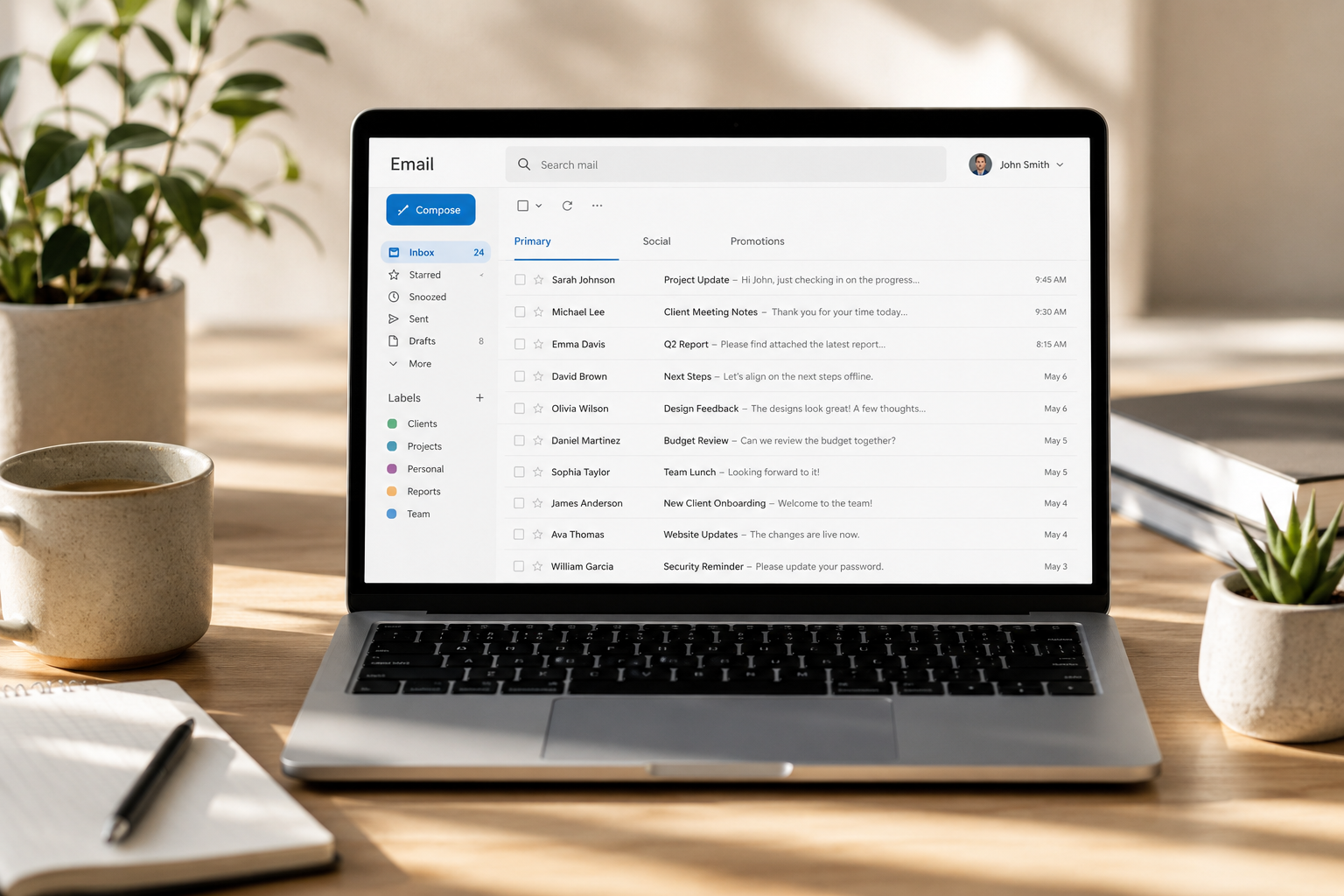
A properly configured email security system operates invisibly from your team's perspective. Emails arrive in their inboxes as normal. The filtering happens at the server level before delivery, and the only indication that anything was caught is a periodic report showing how many threats were blocked during a given period.
Those reports are worth reviewing. They give you visibility into the volume and nature of attacks targeting your business, which is valuable context for understanding your risk environment and for making the case to your team that the threat is real and active.
From a management perspective, email security also gives your security team a quarantine environment where suspicious messages can be reviewed before a final determination is made. Some messages are clearly malicious and are rejected automatically. Others fall into a gray area where human review adds an additional layer of judgment before anything is delivered or permanently discarded.
This combination of automated filtering and human review oversight is what makes enterprise-grade email security different from a simple filter that either passes or blocks every message.
How Email Security Fits Into the Complete Picture
Email security is the technology layer of phishing defense. Employee training, covered in our previous post, is the human layer. Both are necessary because neither one is complete without the other.
No email security system catches every malicious message. Sophisticated, targeted attacks designed specifically to evade automated filtering will sometimes get through. When that happens, a trained team member who knows what to look for and what to do becomes the critical second line of defense.
No training program produces perfect human judgment under the conditions of a busy workday. Employees who are processing dozens of emails while managing their actual responsibilities will occasionally miss a signal that they would have caught if they had been paying full attention. When that happens, endpoint detection and response limits the damage from whatever they clicked.
Each layer handles what the previous layer misses. This is the design of the Inspect layer within the KIT Framework at Red Door Shield. Email security filters threats before they reach your team. Behavioral monitoring watches for activity that suggests something got through. Together they create a continuous, layered defense that does not depend on any single control being perfect.
Email security is also one of the highest-return security investments a small business can make. The majority of cyberattacks against small businesses begin with an email. A system that stops most of those attacks before a human ever sees them eliminates the entry point for the most common category of breach your business faces.
Know Where Your Business Stands
Get a clear, honest picture of your current email security configuration alongside every other layer of your current posture. It takes less than 10 minutes.
Get My Free Security AssessmentNot sure where your business actually stands?
Take our free Business Security Assessment. In under 10 minutes, you will know exactly where your gaps are and what it would take to close them.
Get My Free Security Assessment