Most small business owners think of employee security training as an event. You schedule it once a year, sit the team down for an hour, cover the basics, and check the box. Everyone goes back to work feeling like something important was handled.
Then six months later, someone clicks a link in an email that looked completely legitimate, and you find out the hard way that an annual event is not a training program.
Phishing attacks succeed because they exploit trust, urgency, and the ordinary pace of a busy workday. Your team members are not careless people. They are people processing dozens of emails a day while managing their actual job responsibilities. Without specific, practiced knowledge of what to look for, even attentive employees miss the signs.
This post gives you what your team actually needs: a practical, teachable framework they can apply to every suspicious email they encounter, and a simple protocol for what to do when something does not feel right.
Why Your Team Is the Primary Target
Understanding why phishing targets your employees, rather than your technology directly, helps clarify why training matters as much as it does.
Your security tools, including your email filters, your endpoint protection, and your network monitoring, are designed to catch threats that behave like threats. A well-crafted phishing email does not behave like a threat. It behaves like a normal message from someone your employee recognizes. It arrives in the inbox, passes basic content filters, and sits there waiting for a human decision.
That human decision, made in a few seconds by someone who has thirty other things to do today, is the target. Criminals are not trying to outsmart your technology. They are trying to persuade your people.
As we covered in our post on AI and cybercrime, the phishing emails your team is receiving in 2026 are not the obvious, misspelled messages of five years ago. AI tools allow criminals to generate perfectly written, contextually accurate emails personalized to your business, your vendors, and your clients. The old advice about looking for spelling errors is no longer sufficient on its own.
What your team needs is not a checklist of surface-level red flags. They need a way of thinking about email that creates a moment of pause before any action is taken.
The Eight Warning Signs Every Employee Should Know
These are the specific signals worth teaching your team to recognize. None of them on their own confirms a phishing attempt. Seeing two or more of them together in a single email is a strong indicator that something is wrong.
1. Urgency or Pressure to Act Immediately
Legitimate business communications rarely demand that you act within the next hour or face serious consequences. Phishing emails create artificial urgency because urgency bypasses careful thinking. If an email tells you that your account will be suspended, a payment will be cancelled, or a legal matter requires your immediate attention, slow down rather than speeding up. Urgency in an email is a reason to pause, not to comply.
2. A Request for Sensitive Information or Money
No legitimate financial institution, vendor, or internal system will ask you to provide passwords, banking credentials, or Social Security numbers by email. No legitimate vendor will ask you to change payment banking details through an email with no prior conversation. Any email requesting sensitive information or initiating a financial transaction should trigger automatic verification through a separate channel before any action is taken.
3. A Sender Address That Does Not Match the Display Name
Email clients show the display name of the sender prominently, but the actual sending address may be something completely different. A phishing email might show the display name of your bank or your CEO, while the actual address sending the message is an unrelated domain. Train your team to click on or hover over the sender's name to reveal the actual email address before responding to any message that requests action.
4. Links That Do Not Match Their Destination
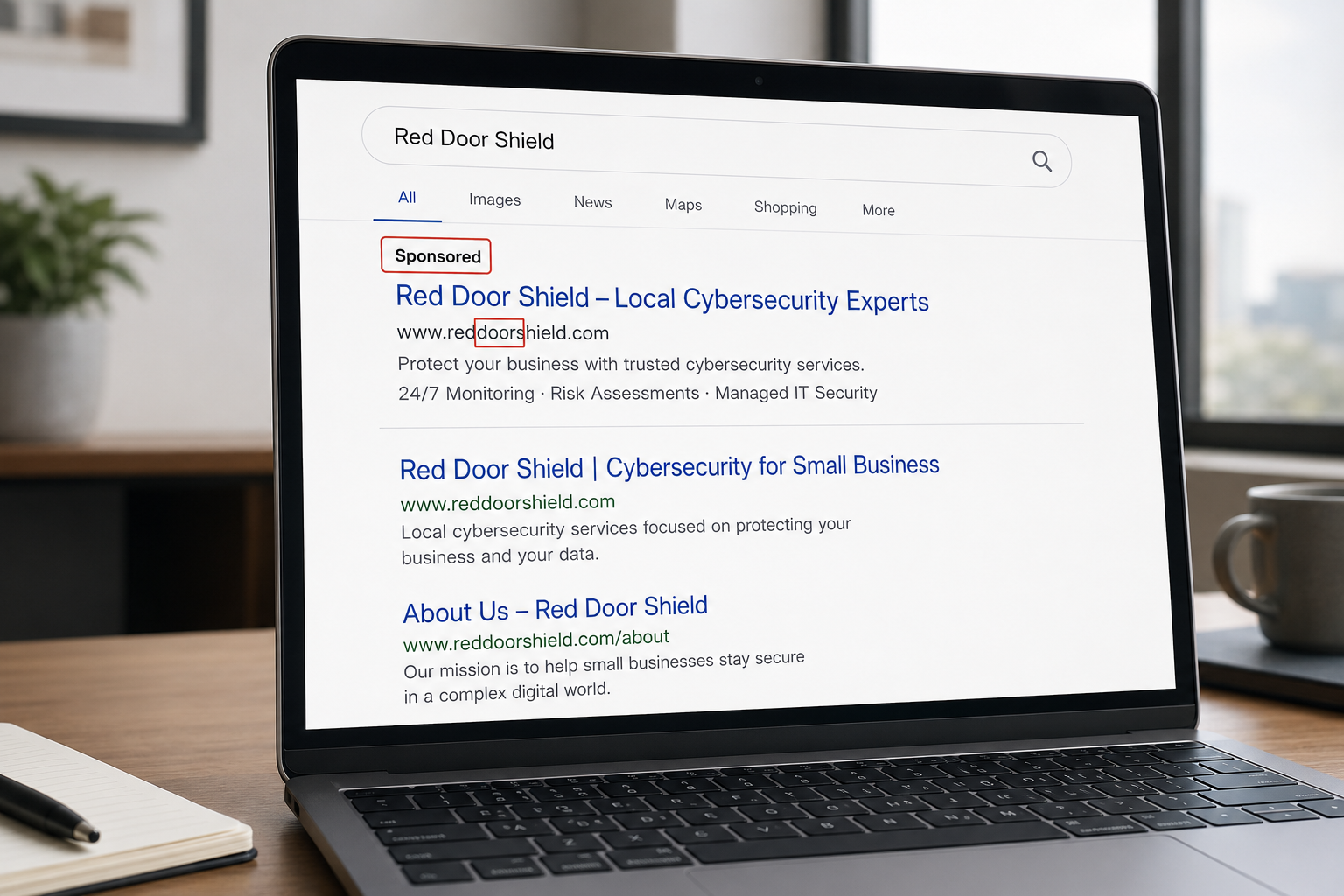
Before clicking any link in an email, hover your mouse over it without clicking. The actual destination URL will appear at the bottom of your screen or in a small popup. If the display text says one thing and the destination URL shows something different, do not click it. Phishing links often use URLs that look similar to legitimate ones but contain subtle differences, such as an extra letter, a different domain extension, or a completely unrelated address.
5. Generic or Mismatched Greetings
Phishing emails sent at scale often use generic greetings such as "Dear Customer," "Dear Account Holder," or simply your email address rather than your name. A legitimate vendor who has your business relationship established will know your name. A generic greeting in a message claiming to be from a familiar contact is a signal worth questioning.
6. Unexpected Attachments
If you were not expecting a document, an invoice, or a file from a specific sender, treat the attachment as suspicious regardless of who appears to have sent it. Email accounts belonging to vendors and clients get compromised regularly, and criminals use those compromised accounts to send malicious attachments to everyone in the contact list. The fact that the sending address looks legitimate does not mean the attachment is safe.
7. Requests That Bypass Normal Procedures
A message asking you to process a payment, approve an expense, or share access credentials without following your normal approval process is a red flag regardless of who appears to have sent it. Business Email Compromise attacks specifically target businesses where one person can authorize significant transactions by email alone. Your normal procedures exist for exactly this reason. An email asking you to skip them is an email worth questioning.
8. Something That Simply Does Not Feel Right
Train your team to trust this instinct. If something about an email feels slightly off, even if they cannot immediately identify what it is, that feeling is worth acting on. The appropriate response is not to click and find out. It is to verify before acting.
The Protocol: What to Do When Something Looks Suspicious
Recognizing a suspicious email is only half of the training. Knowing what to do next is what actually prevents damage.
Establish and communicate this four-step protocol with your entire team.
Step one: Do not click anything inside the email. Not the link, not the attachment, not the unsubscribe button. If the email is malicious, interacting with any element inside it can initiate the attack.
Step two: Do not reply to the email. Replying confirms to the criminal that your email address is active and monitored, which increases the volume of future phishing attempts targeting your address.
Step three: Report it immediately. Every team member should know exactly who to contact when they receive a suspicious email. Designate one person as the point of contact for security concerns, whether that is the firm owner, an office manager, or your IT contact, and make sure every employee has that person's name and direct contact information. The report should include a description of the email and who it appeared to come from.
Step four: Delete the email. Once it has been reported, delete it from the inbox and empty the trash. Do not forward it to colleagues to show them, as forwarding a phishing email can sometimes trigger the malicious elements in the process.
If an employee accidentally clicks a link or opens an attachment before realizing something was wrong, add a critical Step zero: report it immediately without waiting. The faster your security team knows about a potential compromise, the faster containment begins. Make it clear to your team that there is no punishment for accidentally clicking something that got through. What matters is the immediate report.
Building Training That Actually Sticks
A single annual training session teaches your team what phishing is. It does not teach them to recognize it under pressure, in the middle of a busy day, when the email looks convincingly legitimate.
Training that sticks has three characteristics.
It is repeated regularly. Short, focused sessions every quarter are more effective than a comprehensive annual presentation. Each session can cover one specific scenario, one new tactic criminals are using, or one recent example that is relevant to your industry. Fifteen minutes four times a year outperforms two hours once a year in terms of what employees actually retain and apply.
It is practical rather than theoretical. Walk your team through real examples of phishing emails, including the specific signals in each one that indicate something is wrong. Show them what a legitimate email from the same sender looks like alongside the phishing version. Concrete comparison is more memorable than abstract description.
It uses simulation. Phishing simulation tools, including KnowBe4, Proofpoint Security Awareness Training, and Microsoft Attack Simulator, send controlled fake phishing emails to your team and track who clicks. The results give you real data about where your vulnerabilities are and allow you to provide targeted follow-up training to the employees who need it most. Simulation is the closest thing to a practice drill that security training has available, and practice is what builds reliable instinct.
The Culture That Makes Training Effective
The most important element of an effective phishing training program is not the content. It is the culture you create around reporting.
Employees who are afraid of being blamed or embarrassed for clicking on a phishing email will not report it. They will close the window, hope nothing happens, and say nothing. That silence is the environment in which a phishing-initiated breach causes maximum damage.
Make reporting the explicitly expected and valued behavior. When an employee reports a suspicious email, acknowledge it positively. When someone accidentally clicks something and reports it immediately, respond with support rather than criticism. The employee who reports a potential compromise in the first five minutes gives your security team a fighting chance to contain it before it spreads.
A team that reports is a team that protects your business. Build the environment that makes reporting feel safe and expected, and your training investment multiplies.
How This Connects to Your Broader Security Posture
Employee training is one layer of the Essential Eight security program every small business needs. It is the human layer, and it is genuinely irreplaceable. No technology fully substitutes for a team that knows what to look for and what to do.
At the same time, training is not sufficient without the other layers supporting it. Email security filtering catches the phishing emails that never reach your team in the first place, which is the Inspect layer of the KIT Framework working before the human decision point. Endpoint detection and response limits the damage if something does get clicked. Multi-factor authentication prevents account compromise even when credentials are stolen.
Training and technology are not competing approaches to the same problem. They are complementary layers covering different parts of the risk. Your goal is to have both working together so that the attacks your filters miss get caught by your people, and the mistakes your people occasionally make get caught by your technology.
Know Where Your Business Stands
Get a clear, honest picture of your current security posture across all eight layers in less than 10 minutes. No jargon, no pressure.
Get My Free Security AssessmentNot sure where your business actually stands?
Take our free Business Security Assessment. In under 10 minutes, you will know exactly where your gaps are and what it would take to close them.
Get My Free Security Assessment