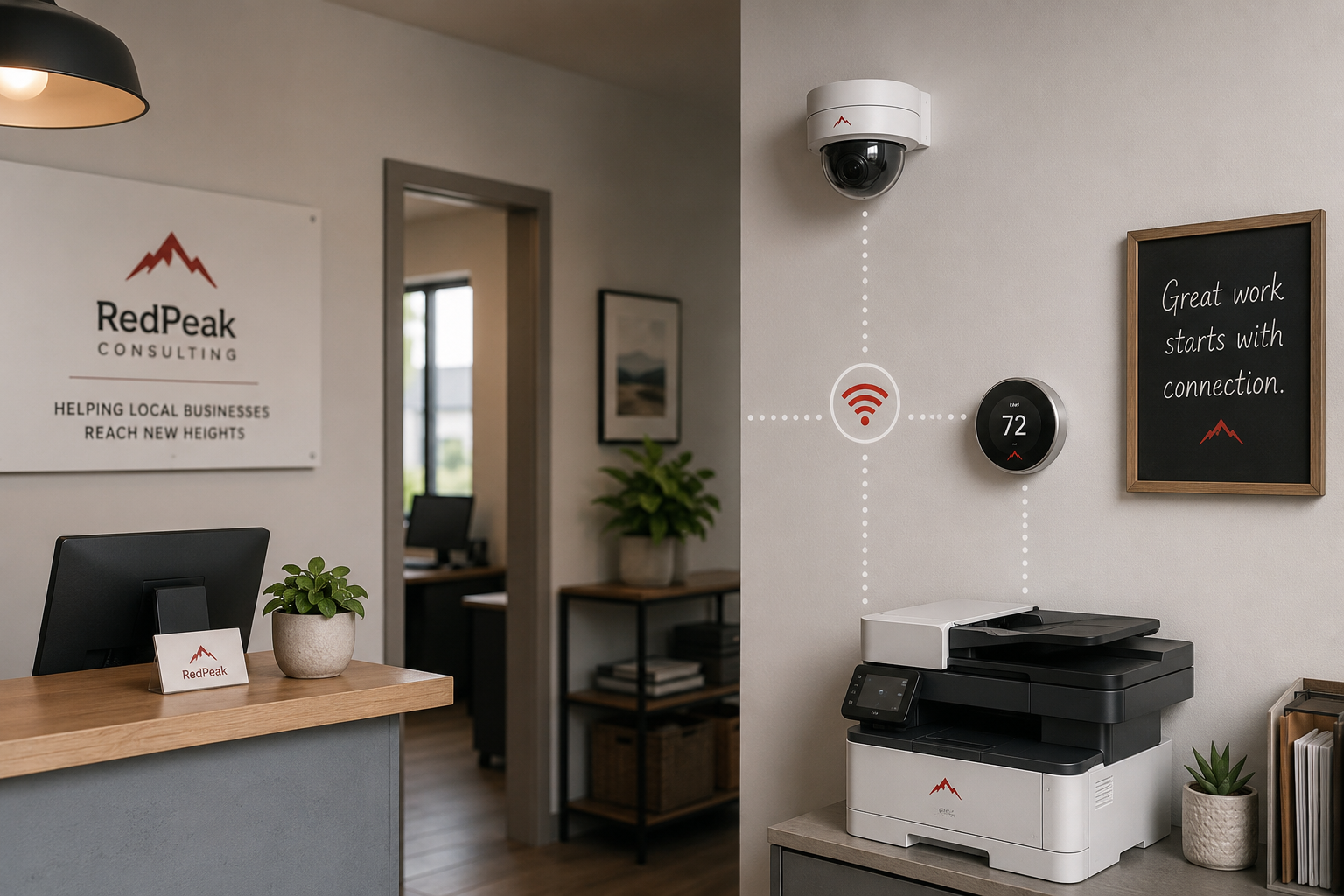
When you think about protecting your business, you probably think about your computers, your phones, and your email. Reasonable. But walk through your business in your mind and count the other things quietly connected to your network. The security cameras. The networked printer. Maybe a smart thermostat, a smart TV in the lobby, a video doorbell, a payment terminal, smart speakers, even some equipment you forgot was online at all. Every one of those is, in a real sense, a small computer sitting on your network. And every one of them can be a door.
Here is the uncomfortable part: these devices are often the least protected things in the building. We set them up once, get them working, and never think about them again. No one changes the password on a security camera or updates a printer the way they would a laptop. That neglect is exactly what makes these forgotten devices a favorite target, and a quiet way into businesses that have otherwise done things right. Let me explain the risk plainly and give you a practical way to close it.
Why a camera or printer is a real risk
It is easy to dismiss this. Who cares if someone gets into my printer? But the risk is real for two reasons, and they are worth understanding.
The first is that these devices sit on the same network as everything else. Once an attacker gets control of any device on your network, they have a foothold inside, a position from which to look around, intercept information, and try to reach the computers and data that really matter. A weakly protected camera is not the prize. It is the unlocked window an attacker climbs through to get to the prize. The whole network is only as strong as its weakest connected device.
The second is that some of these devices are sensitive in their own right. Security cameras can be watched by an intruder, which is genuinely unsettling. Printers often store copies of sensitive documents that pass through them. Payment terminals handle card data. These are not trivial targets even on their own.
And the kicker is how these devices ship. Many come with default passwords that are publicly known and easily looked up, and many rarely or never receive security updates once installed. Attackers actively scan the internet for exactly these devices, knowing that a huge number are still sitting at their factory settings. It is one of the easiest ways in that exists.
How these devices get exploited
The pattern is depressingly simple. An attacker scans for connected devices reachable over the internet. They find one, a camera, a printer, some gadget, that is still using its default password or has a known, unpatched weakness. They get in with almost no effort, because nothing was ever changed. From there, they either use the device itself, watch the camera, grab documents from the printer, or use it as a launch point to move deeper into your network toward your real data.
None of this requires sophistication on the attacker's part. It requires only that you, like most businesses, never went back and secured the device after plugging it in. That is the entire vulnerability, and it is also why the fix is so achievable.
How to lock down your connected devices
You do not need to be technical to handle the basics here, and much of it is one-time work. Here is the practical checklist.
- Change the default passwords. This is the single most important step. Any device that came with a default or simple password, cameras, printers, smart gadgets, anything, should have it changed to a strong, unique password. This one action shuts down the most common way these devices get exploited.
- Keep them updated. Where a device offers firmware or software updates, apply them, and turn on automatic updates if available. These updates fix the security holes attackers look for. For devices that no longer receive updates and are old, consider whether they should be replaced.
- Put them on a separate network. Just as you would keep guests on a guest Wi-Fi, it is wise to keep smart devices and equipment on a separate network from the computers that hold your important business data. That way, if a camera or gadget is compromised, the attacker is contained and cannot easily reach your core systems. Many business routers make this straightforward to set up.
- Turn off features and access you do not need. If a device does not need to be reachable from the internet, do not expose it. Disable remote access and extra features you are not using, since each one is a potential door.
- Take an inventory. Simply knowing what is connected to your network is half the battle. Walk through and list the devices. You may be surprised what is online, and you cannot secure what you do not know is there.
How we think about it
These forgotten devices are a perfect example of why security has to cover the whole environment, not just the obvious computers, which is how we approach it at Red Door Shield through a simple framework we call KIT: Keep, Inspect, Trust. Keep what is valuable secure, which means locking down every device on your network, not just the laptops, because the weakest one defines your real exposure. Inspect what is coming in, including monitoring the network so a compromised camera or printer does not quietly become an attacker's foothold. And trust through validation, which includes separating less-trusted devices from your critical systems rather than letting everything share one open space. We help make sure the whole network is accounted for, down to the gadget in the corner everyone forgot was online.
What ready looks like
Picture knowing every device on your network and having each one locked down: default passwords changed, updates current, smart gadgets kept on their own separate network, and nothing exposed to the internet that does not need to be. An attacker scanning for the easy way in through a forgotten camera or printer finds it locked, and your core systems sit safely apart, out of reach even if a gadget is compromised. The forgotten devices are no longer the soft underbelly of your security. They are accounted for.
That is what ready feels like. Not hoping the camera you installed years ago is fine, but knowing every connected thing in your building is locked and contained.
The devices we forget are exactly the ones attackers count on, precisely because we forget them. A little attention, mostly one time, turns your weakest links into closed doors. If you want help taking inventory of what is on your network and making sure every connected device is properly secured, that is a conversation worth having today.
Learn about securing your business Wi-Fi, read how to handle employee offboarding securely, or see our 8-point cybersecurity checklist.
Know Where Your Business Stands
Our free Business Security Assessment gives you a clear picture of your current security posture in less than 10 minutes. No technical knowledge required.
Not sure where your business actually stands?
Take our free Business Security Assessment. In under 10 minutes, you will know exactly where your gaps are and what it would take to close them.
Get My Free Security Assessment