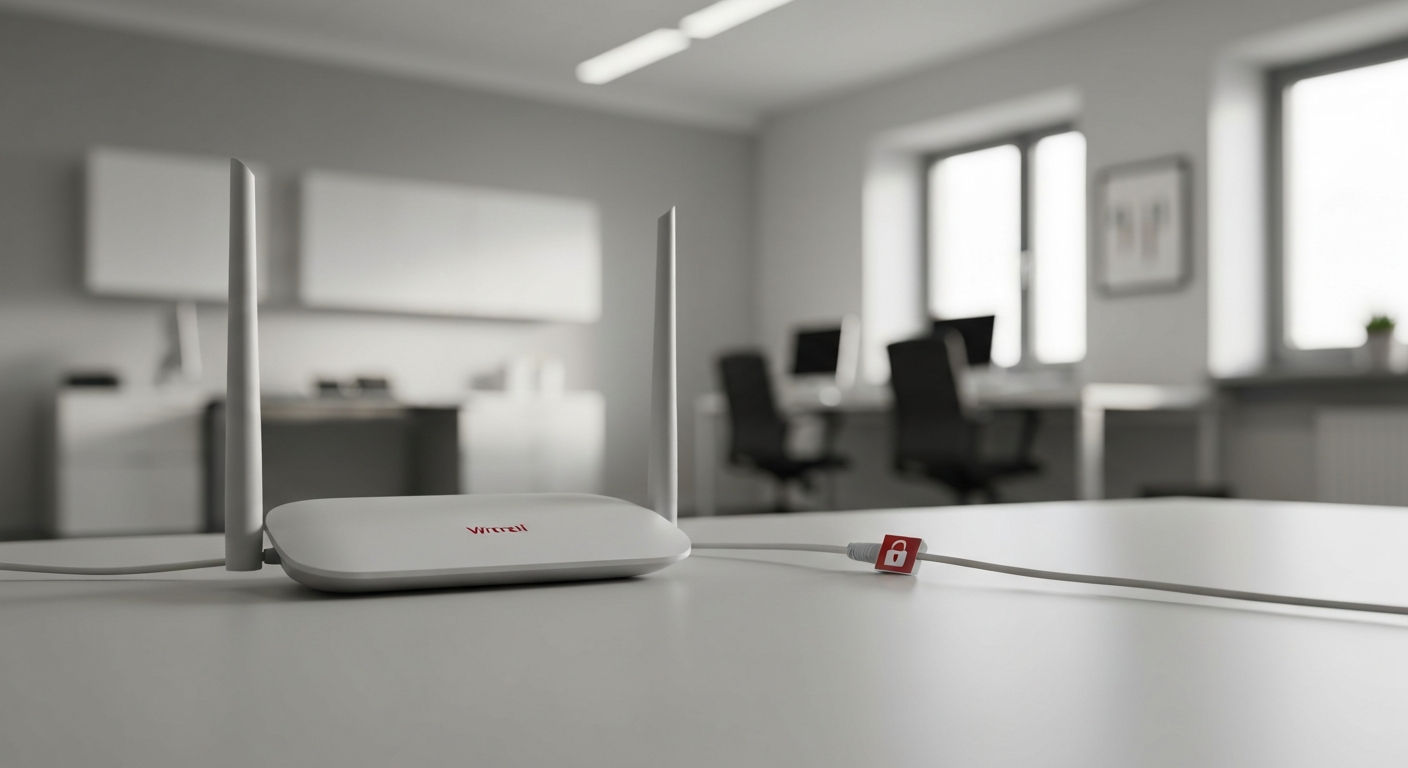
There is a small box somewhere in your office, probably with a few blinking lights, that almost everything in your business depends on. Your computers, your phones, your payment systems, your cameras, all of it connects to the world through that router. It is, in a very real sense, the front door to your entire network. And here is the thing: most businesses plug it in once, get online, and never touch it again. The front door gets installed and then never actually locked.
That is a missed opportunity, because securing your router is one of the higher-value, lower-effort things you can do, and most of it is a one-time setup. An attacker who gets through a poorly secured router can potentially reach every device on your network. A properly locked one quietly turns away a whole category of trouble. You do not need to be technical to handle the basics. Let me walk you through what to check and why, in plain English.
Why the router matters so much
Think of your network as a building and the router as the main entrance everyone passes through. Everything that connects to your business, every computer and device, sits on the network behind that door. If someone unauthorized gets onto your network, they are now inside the building, in a position to see traffic, attack the devices connected to it, and look for ways deeper into your systems.
The reason this gets overlooked is that routers just work. You set it up, the internet flows, and there is no obvious reason to think about it again. But "working" and "secure" are not the same thing. A router can be passing your traffic perfectly while still being wide open in ways you would never notice, because nothing visibly breaks. The problems are invisible until someone takes advantage of them.
The settings that actually matter
You do not need to understand networking to fix the things that count. Here are the ones worth your attention, roughly in order of importance. Most of these are changed by logging into your router's settings, and if any of it feels beyond you, this is a perfectly reasonable thing to have a professional set up once.
- Change the default admin password. This is the big one. Routers come with a default administrator login, and these defaults are widely known and easily looked up. If yours is still set to the factory default, anyone who reaches it can take control of your network. Change the admin password to something strong and unique. This single step closes the most common router weakness.
- Set a strong Wi-Fi password and use modern encryption. Your Wi-Fi itself should require a strong password, and your router should be using current encryption, look for WPA3, or at least WPA2, in the settings. Older encryption types are no longer safe. This keeps unauthorized people from simply hopping onto your network.
- Keep the router's firmware updated. Routers run software, called firmware, and like all software it gets security updates that fix newly discovered holes. Many routers can update automatically; turn that on if it is available. An out-of-date router can carry known vulnerabilities that attackers specifically look for.
- Set up a separate guest network. Most business routers can create a separate guest Wi-Fi. Use it. Put visitors, and ideally any less-trusted devices, on the guest network so they are kept apart from the computers and systems that run your business. That way a guest's infected phone is not sitting on the same network as your payment system or your files.
- Turn off features you do not need. A couple of router features are convenient but risky. Remote administration, which lets the router be managed from outside your office, should be off unless you specifically need it, because it is a door to the outside. A feature called WPS, meant to make connecting easy, has known weaknesses and is best turned off. If you are unsure, this is a good thing to have someone knowledgeable check once.
- Consider your other connected devices. The same thinking extends to everything else on your network: security cameras, smart devices, payment terminals. Many ship with default passwords too, and each one is a device on your network. Change default passwords and keep them updated where you can.
A reasonable approach for a busy owner
If that list feels like a lot, here is the honest, practical version. The two changes that matter most are the easiest to describe: change the router's default admin password, and make sure your Wi-Fi uses a strong password with modern encryption. If you do only those, you have closed the biggest gaps. The rest, firmware updates, a guest network, turning off remote management, are meaningful improvements you can add, and a good IT or security professional can configure all of it correctly in a single visit so you never have to think about it again. This is genuinely a set-it-once kind of task.
How we think about it
Your network is the foundation everything else sits on, which is why securing it is part of how we protect businesses at Red Door Shield, through a simple framework we call KIT: Keep, Inspect, Trust. Keep what is valuable secure, which starts with locking the front door your whole business connects through. Inspect what is coming in, through monitoring that watches the network for trouble rather than assuming a quiet router means a safe one. And trust through validation, which means separating guests and untrusted devices from your core systems instead of letting everything share one open space. We make sure the foundation is solid, so the protections built on top of it actually hold.
What ready looks like
Picture your network with its front door genuinely locked: a strong admin password, modern Wi-Fi encryption, automatic updates keeping it current, guests kept on their own separate network, and the risky features switched off. An attacker probing for the easy way in finds the common router weaknesses simply are not there. The box with the blinking lights is no longer a quiet liability. It is doing its job, protected.
That is what ready feels like. Not hoping the device you forgot about is fine, but knowing the front door to your business is actually locked.
The router is easy to ignore precisely because it just works, but "just working" was never the same as "secure." A little attention, mostly one time, closes a whole category of risk. If you would like help making sure your network and the devices on it are properly locked down, that is a conversation worth having today, while the box in the corner is on your mind.
Learn if public Wi-Fi is actually safe, read about protecting remote workers, or see the 8-point cybersecurity checklist.
Know Where Your Business Stands
Our free Business Security Assessment gives you a clear picture of your current security posture in less than 10 minutes. No technical knowledge required.
Not sure where your business actually stands?
Take our free Business Security Assessment. In under 10 minutes, you will know exactly where your gaps are and what it would take to close them.
Get My Free Security Assessment