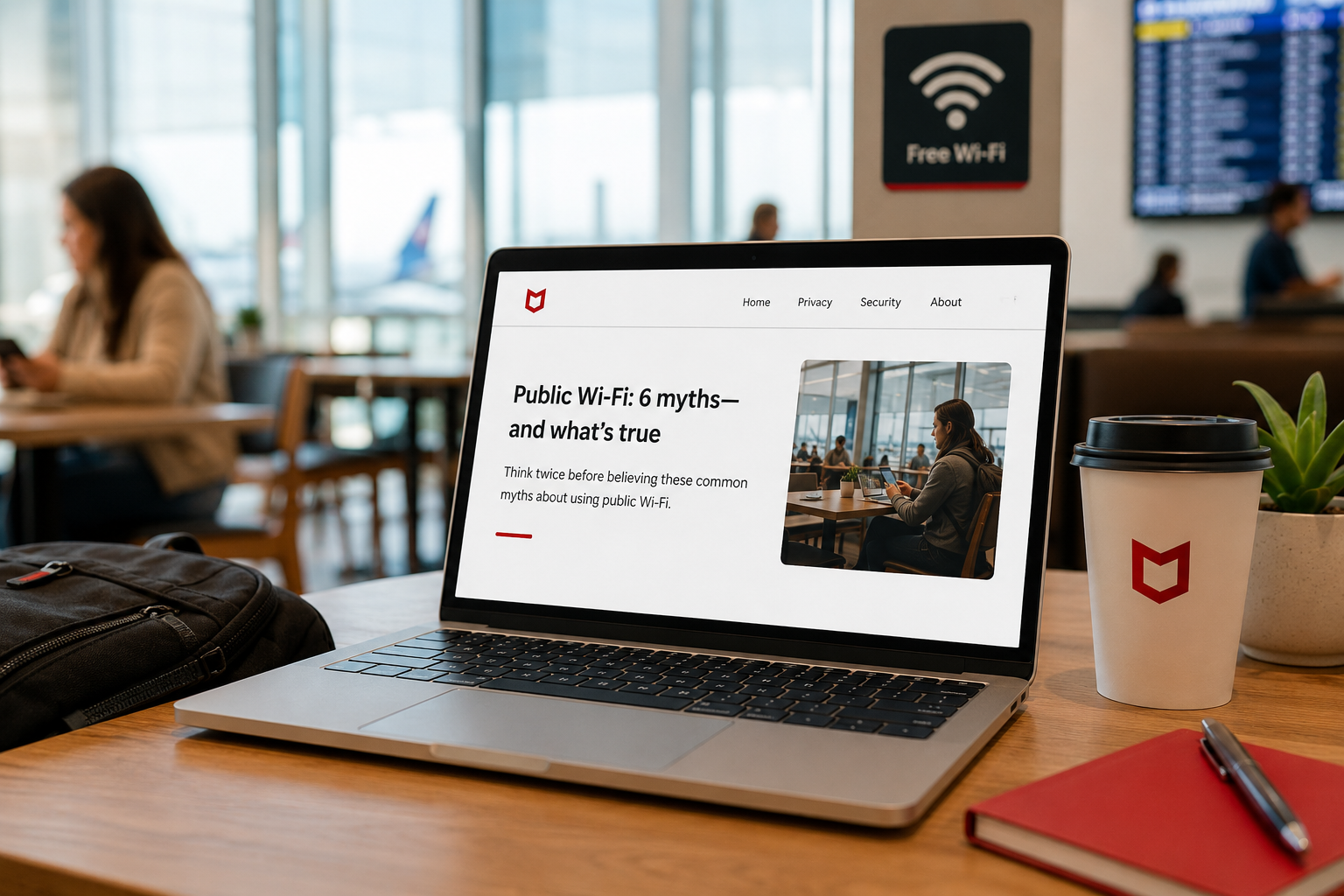
You are at a coffee shop, or an airport, or a hotel lobby, and you connect to the free Wi-Fi to get a little work done. Maybe you check email, send an invoice, log into a business account. Somewhere in the back of your mind a small voice says, "Is this safe?" You are not sure, so you do it anyway, because you have work to do and everyone else is doing the same thing.
That small voice deserves a real answer, not a vague worry. So here is the honest truth about public Wi-Fi, including the part most articles get wrong. Some of the old fears are overblown, and some real dangers are worth taking seriously. Once you understand which is which, you can use public Wi-Fi confidently and know exactly when to be careful. Let me clear it up.
First, the good news (and a corrected myth)
For years, the warning was that anyone on the same public network could simply watch everything you do, scooping up your passwords and messages out of the air. That used to be a real concern. Today it is much less true, and it is worth understanding why, because it changes how you should think about this.
The reason is that the vast majority of websites and apps now encrypt their connections automatically. You can see it as the little padlock and the "https" in your browser's address bar. When that padlock is there, the information traveling between you and that site is scrambled, so even someone on the same Wi-Fi cannot simply read it. Your bank, your email, the major business apps, almost all of them encrypt by default now. So the old image of a hacker effortlessly reading your password off the coffee shop air is mostly outdated for normal, secure websites.
That is genuinely reassuring, and it means you do not need to panic every time you connect. But it is not the whole story, because attackers adapted, and the remaining risks are real.
The dangers that are actually worth your attention
Here is where the honest caution comes in. A few specific threats on public Wi-Fi still matter, and they are the ones to keep in mind.
The big one is fake Wi-Fi networks, sometimes called evil twins. An attacker sets up their own Wi-Fi hotspot with a friendly, trustworthy-looking name, something like "Airport Free WiFi" or "Coffee Shop Guest," hoping you will connect to theirs instead of the real one. If you connect to a network the attacker controls, they are in a much stronger position to interfere with your connection and try to trick you. This is why the name looking right is not proof the network is real.
A related trick is being pushed to fake login or "sign in to use this Wi-Fi" pages designed to harvest your information, or pop-ups urging you to install something or update your software to get connected. Anything a public network asks you to download or install should be treated with strong suspicion.
And there is the simple, low-tech risk people forget: the person sitting near you can see your screen. In a crowded space, sensitive information can leak the old-fashioned way, over your shoulder.
The thread connecting the real risks is this: the danger today is less about silent eavesdropping and more about being tricked, into joining a fake network, entering credentials on a fake page, or installing something you should not.
How to use public Wi-Fi safely
You do not have to avoid public Wi-Fi. You just need a few sensible habits, and they are easy.
- Verify the network name before connecting. Ask the staff what the real Wi-Fi is called rather than guessing, so you do not fall for a lookalike. Be suspicious of any network that does not require a password in a place where you would expect one, and of any that pushes you to install software.
- For anything sensitive, use your own connection instead. The simplest strong protection is to use your phone's personal hotspot rather than public Wi-Fi when you are doing important work. Your cellular connection is private to you. A few minutes of hotspot is a small price for handling banking or sensitive business data securely.
- Consider a VPN. A VPN, or virtual private network, creates an encrypted tunnel for all your traffic, which adds protection on networks you do not control. For business use especially, a reputable VPN is a worthwhile tool, and it closes much of the remaining gap on public Wi-Fi.
- Keep the fundamentals on. Make sure multi-factor authentication is enabled on your important accounts, so that even if a credential is somehow captured, it is not enough to get in. Keep your devices updated. And do not install anything a network prompts you to. These basics protect you almost everywhere, public Wi-Fi included.
- Mind your screen. In crowded places, be aware of who can see it, and save the truly sensitive work for a more private moment.
How we think about it
Public Wi-Fi is a good example of how security today is less about fear and more about informed habits, which is how we approach everything at Red Door Shield through a simple framework we call KIT: Keep, Inspect, Trust. Keep what is valuable secure, through the multi-factor authentication and updated devices that protect you regardless of which network you are on. Inspect, in the sense of being aware of your surroundings and your connections rather than connecting on autopilot. And trust through validation, which here means verifying that the network is real and not trusting a friendly name or a pushy pop-up. The same protections that guard you everywhere else are most of what keeps you safe on public Wi-Fi too.
What ready looks like
Picture connecting at the airport without that nagging uncertainty, because you know what is safe and what is not. You verify the network, you switch to your phone hotspot for the sensitive task, your accounts are protected by multi-factor authentication anyway, and you ignore the pop-up telling you to install something. You get your work done, confidently, without either reckless exposure or pointless worry.
That is what ready feels like. Not avoiding the modern world, but moving through it with the few simple habits that keep you safe in it.
The truth about public Wi-Fi is more reassuring and more nuanced than the scary version, and knowing the difference is what lets you stop worrying and start using it wisely. The habits are easy and the protections are mostly things you should have on anyway. If you want help making sure your devices and accounts are protected wherever you and your team work from, that is a conversation worth having today.
Learn how to turn on multi-factor authentication, see how to protect remote workers, or read about how to spot scam texts.
Know Where Your Business Stands
Our free Business Security Assessment gives you a clear picture of your current security posture in less than 10 minutes. No technical knowledge required.
Not sure where your business actually stands?
Take our free Business Security Assessment. In under 10 minutes, you will know exactly where your gaps are and what it would take to close them.
Get My Free Security Assessment