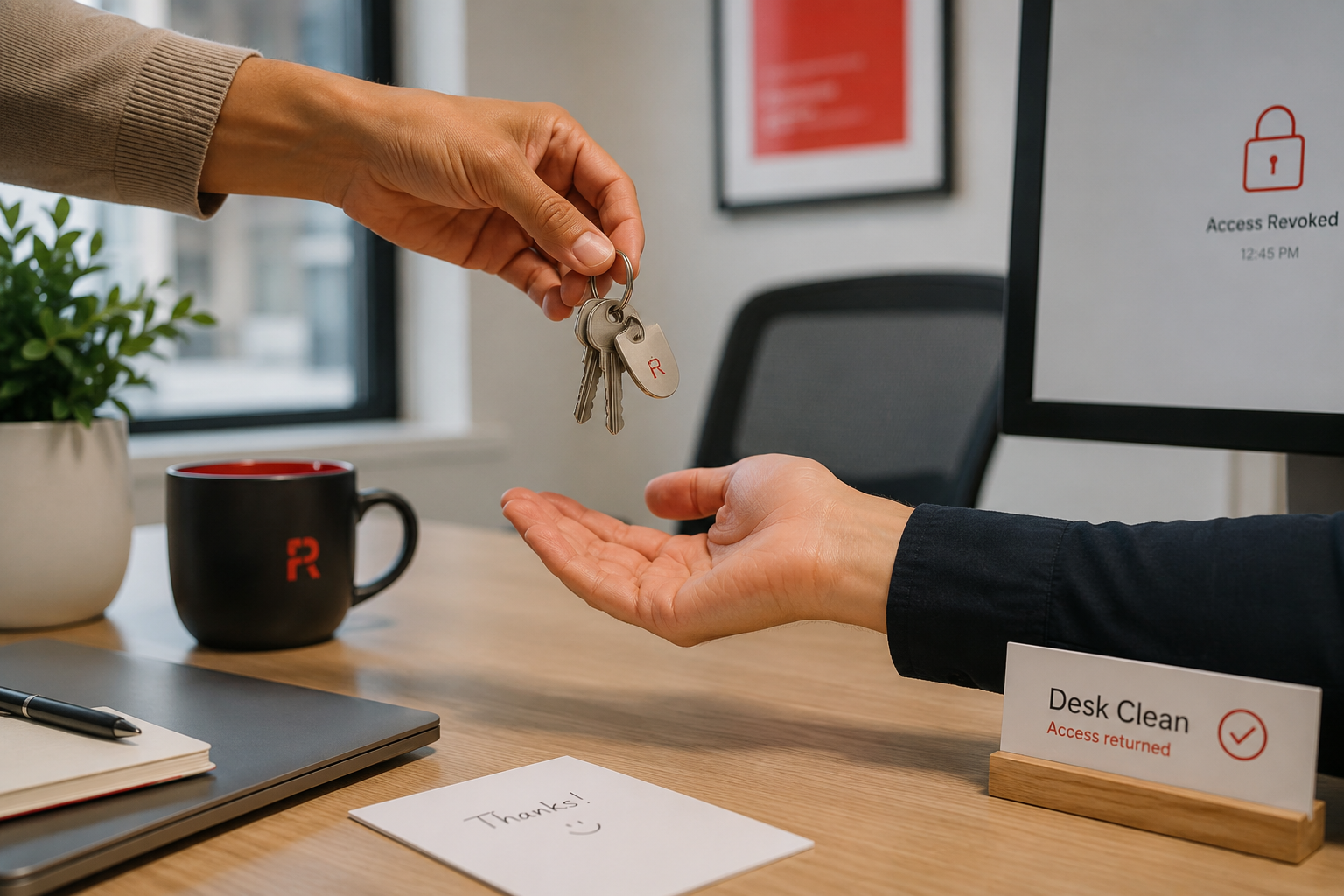
When an employee leaves, you collect their office key, maybe their building badge, perhaps a company laptop. That part feels obvious. But here is a question most owners have never stopped to ask: does that person still have access to your email system, your shared files, your apps, your customer data, your accounts? For a surprising number of small businesses, the uncomfortable answer is yes, sometimes for months, sometimes indefinitely. The physical key came back. The digital keys never did.
This is one of the quietest and most common security gaps in small business, and it is entirely avoidable. It is not about distrust. Most people who leave a company would never misuse old access. The problem is that those forgotten open doors are a risk no matter whose name is on them, and they tend to pile up over the years. Let me explain why this matters and give you a simple way to close the doors properly every time.
Why leftover access is such a risk
Think about how many digital keys a single team member accumulates. A login to your email or systems. Access to shared drives and documents. Logins to the various apps and platforms your business uses. Maybe access to financial tools, the website, social media accounts, or customer records. Maybe their personal phone is still connected to company email. Over time, one person can hold a dozen or more separate forms of access, scattered across services you may not even be thinking about.
Now multiply that by everyone who has ever worked for you and left. If those keys were never collected, they are still out there, and each one is a door into your business. The risk comes in a few flavors. There is the rare but real case of a departure on bad terms, where someone might be tempted to take data, cause damage, or access things they should not. There is the far more common case of simple exposure: that old account, often with a weak or reused password and no one watching it, is exactly the kind of forgotten door a criminal loves to find and walk through. And there is the compliance angle, because if you handle sensitive data, having former staff with live access can violate the rules you are supposed to follow.
The unsettling part is that these accounts are invisible in daily life. Nothing breaks. The business runs normally. The open door just sits there, unnoticed, until someone, a former employee or a criminal who found the account, uses it.
The moment that matters most
The single best protection here is timing. Access should be removed the day someone leaves, ideally as part of the departure itself, not weeks later when someone finally remembers. The longer the gap between when a person leaves and when their access is cut off, the longer the window of risk stays open.
This is especially true for departures that are not on good terms. If you ever have to let someone go, their access should be removed right around the moment they are informed, not the following week. That is not paranoia, it is just prudent, the same way you would not leave a building key in the hands of someone who just left upset. Plan for it in advance so it happens smoothly rather than as a scramble.
A simple offboarding checklist
You do not need anything fancy. You need a consistent list that gets followed every single time someone leaves, so nothing slips through. Here is a starting point you can adapt to your business.
Disable their email account and email access first, since email is the master key to most other things. Change passwords on any shared accounts they had access to, because shared logins do not disconnect just one person. Remove their access to every app, platform, and system your business uses, going down the list deliberately rather than from memory. Revoke their access to shared files, drives, and customer data. Remove company email and accounts from their personal devices if any were connected. Collect company devices and, where possible, confirm they can be wiped remotely if not returned. Reclaim access to anything easy to forget: the website, social media accounts, financial tools, and any vendor or service logins. And reassign ownership of any important files or accounts that lived only under their login, so nothing gets stranded.
The key is that this list is written down and followed the same way every time, by everyone, rather than reconstructed from memory in the rush of someone's last day. A consistent checklist is what turns "we think we got everything" into "we know we did."
The flip side: know who has access in the first place
Closing doors when people leave is much easier if you know what doors exist. This is worth a periodic look on its own. Every so often, review who currently has access to what, and ask a simple question: does each person still need everything they can reach? People accumulate access over years as their roles change, and it rarely gets trimmed back. The principle to aim for is that everyone has access to what they need to do their job, and not much more. That way, if any single account is ever compromised, whether a current employee's or a forgotten former one's, the damage is contained rather than total.
How we think about it
This is exactly the kind of housekeeping that quietly prevents breaches, and it is core to how we protect businesses at Red Door Shield through a simple framework we call KIT: Keep, Inspect, Trust. Keep what is valuable secure, which means access is a managed thing with a clear list of who can reach what, not a sprawl no one tracks. Inspect, which means periodically reviewing that access rather than assuming it is fine. And trust through validation, the principle that people get the access they need and it is verified and removed deliberately, not granted forever by default. We help make sure the doors get closed the day they should, and that you always know which doors exist in the first place.
What ready looks like
Picture an employee leaving, on good terms or bad, and knowing with certainty that by the end of that day every one of their digital keys has been collected, the same way you collected the office key. Picture being able to answer, at any moment, exactly who can reach your systems and your data, with no forgotten accounts lurking from years past. The vague unease of "I wonder if old logins are still floating around out there" is simply gone, because access is something you manage on purpose.
That is what ready feels like. Not hoping no one still has a key they should not, but knowing the keys are accounted for.
Every business has turnover, which means every business needs a clean way to close these doors. It costs nothing but a little consistency, and it removes a whole category of quiet risk. If you want help getting a clear picture of who currently has access to what across your business, and a clean process for every future departure, that is a conversation worth having before the next person heads out the door.
Review our 8-point cybersecurity checklist, learn why hackers target small businesses, or read about how fast hackers can crack passwords.
Know Who Has Access to Your Business
Our free Business Security Assessment gives you a clear picture of your current security posture, including access control gaps, in less than 10 minutes.
Not sure where your business actually stands?
Take our free Business Security Assessment. In under 10 minutes, you will know exactly where your gaps are and what it would take to close them.
Get My Free Security Assessment