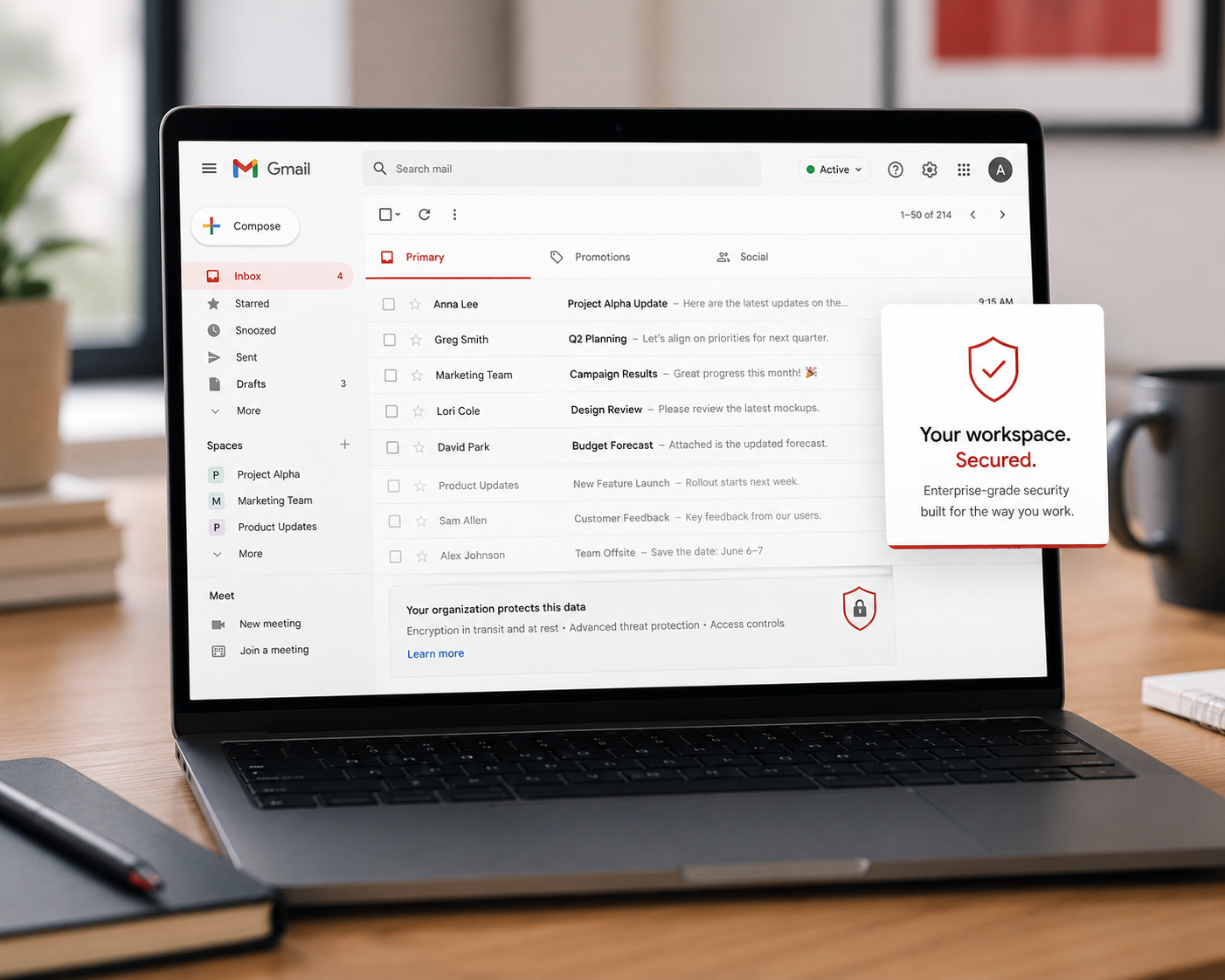
Almost every small business runs on one of two platforms: Microsoft 365 or Google Workspace. Your email, your documents, your calendar, your shared files, often your entire working life lives in one of them. Here is what most owners do not realize: these platforms are genuinely powerful when it comes to security, with strong protections built right in. The problem is that many of those protections are not switched on by default, and most businesses never go in and turn them on. You bought a vault with excellent locks and left half of them open.
This matters more than almost any other single thing, because email is the number one way attacks reach a business. If your email platform is the front door to everything, then securing it properly is some of the highest-value work you can do. The good news is that the key protections are mostly settings you turn on once. Let me walk you through what to make sure is enabled, in plain language, whether you handle it yourself or ask someone to.
Why this is worth your attention
Think about what your Microsoft 365 or Google Workspace account actually holds and controls. Your email, which is the recovery point for resetting passwords almost everywhere else. Your documents and shared files. Your calendar and contacts. For many businesses, getting into that account means getting into everything. It is, quite literally, the master key.
That is exactly why attackers target these accounts so heavily. A compromised business email account lets them read your mail, impersonate you to your customers and vendors, set up hidden rules to intercept messages, and reach the other systems your email unlocks. The platform itself is well built, but a powerful platform with its protections left off is still an open door. The work here is not about distrusting the platform. It is about actually using the security it already offers you.
The protections to make sure are turned on
Here are the key settings and protections worth confirming. You do not have to be technical to understand them, and if any are beyond your comfort, this is a perfectly reasonable thing to have set up once by someone who knows these platforms.
- Multi-factor authentication for everyone, no exceptions. This is the single most important one. Both platforms support requiring a second login factor, the code on your phone, and it should be on for every user, especially administrators. Many breaches of these accounts come down to a stolen password and no second factor. Turning this on across your whole organization closes the most common door. If you do nothing else, do this.
- Protect and limit administrator accounts. The admin account controls your entire platform, which makes it the crown jewel. Make sure admin accounts have strong unique passwords and multi-factor authentication, that only the people who truly need admin access have it, and ideally that admins use a separate account for everyday email rather than doing daily work logged in with full control.
- Turn on the built-in threat protection. Both platforms include tools to filter phishing, malicious attachments, and dangerous links, and to flag suspicious sign-ins. Higher tier plans include more, but make sure whatever protection your plan offers is actually enabled and configured, not left at minimal defaults.
- Watch for suspicious forwarding rules and sign-ins. A favorite attacker trick is setting hidden rules that auto-forward your mail to an outside address. These platforms can alert you to new forwarding rules and unusual logins. Turn that alerting on, and periodically check that no forwarding rules exist that you did not create.
- Apply least privilege to files and access. Make sure people can reach the files and tools they need, and not everything else. Review sharing settings so sensitive documents are not unintentionally open to the whole company or, worse, to anyone with a link.
- Set up basic logging and alerts. Both platforms can notify you of risky activity, like a sign-in from an unusual location. Having these alerts on means you find out about trouble early, rather than after the damage.
The catch worth knowing
Here is the honest part. These platforms give you the tools, but they largely leave it to you to turn them on, configure them sensibly, and keep an eye on the alerts. The default setup gets you running, not fully protected. And the alerts these systems generate are only useful if someone is actually watching and acting on them, which is where many busy small businesses fall short, not because the tools are missing, but because no one has the time to monitor them.
This is the gap to be aware of. Owning a powerful platform is not the same as having it configured and watched. Closing that gap, whether you do it yourself, assign it clearly to someone, or bring in help, is what turns built-in potential into real protection.
How we think about it
Getting the most out of the security already built into your platform is exactly the kind of high-value work we focus on at Red Door Shield, through a simple framework we call KIT: Keep, Inspect, Trust. Keep what is valuable secure, by switching on the multi-factor authentication, admin protections, and threat filtering your platform already offers. Inspect what is coming in, by making sure the alerts these systems generate are actually being watched and acted on around the clock, not piling up unread. And trust through validation, with the access controls and verification that keep your master key locked to the right people. We help make sure the vault you are already paying for is actually locked, and that someone is watching it.
What ready looks like
Picture your Microsoft 365 or Google Workspace fully locked down: multi-factor authentication on every account, admin access tight and protected, threat filtering doing its job, no rogue forwarding rules, and alerts flowing to someone who acts on them. The platform that holds your entire working life is no longer a powerful tool left half-secured. It is the well-locked vault it was always capable of being.
That is what ready feels like. Not assuming the platform protects you by default, but actually turning on the protection it offers and making sure someone is watching.
You are very likely already paying for strong security tools inside the platform your business runs on. The opportunity is simply to use them. Confirm multi-factor authentication is on for everyone today, as a start. And if you want help making sure your email platform is fully configured and actually monitored, so its considerable protections are working for you rather than sitting idle, that is a conversation worth having now.
Read about turning on multi-factor authentication, find out how to check if a hacker is in your email, or see what email security actually looks like.
Know Where Your Business Stands
Our free Business Security Assessment gives you a clear picture of your current security posture in less than 10 minutes. No technical knowledge required.
Not sure where your business actually stands?
Take our free Business Security Assessment. In under 10 minutes, you will know exactly where your gaps are and what it would take to close them.
Get My Free Security Assessment