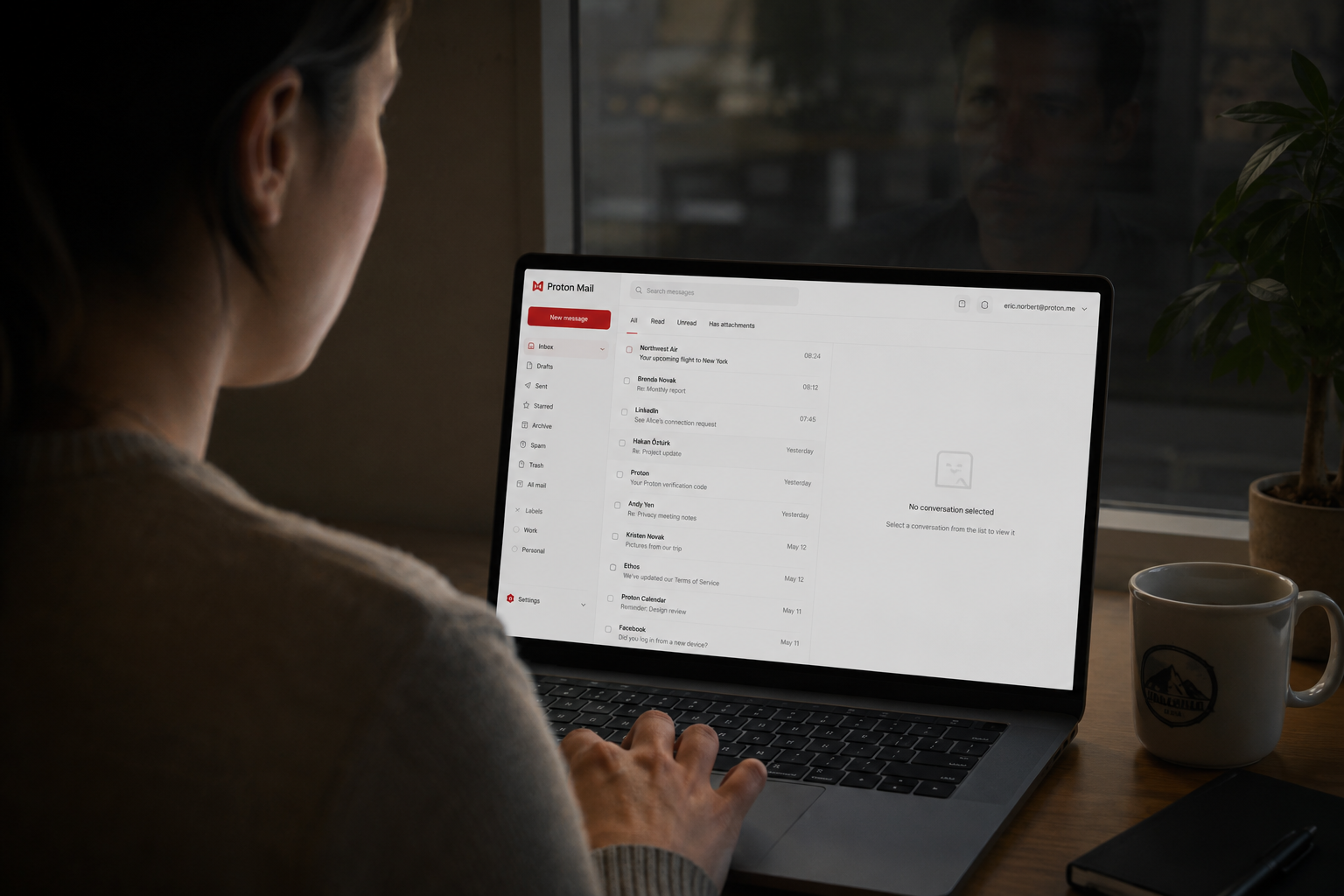
When most people picture getting hacked, they picture noise. A locked screen, a ransom demand, an obvious alarm. The truth about the most damaging email attacks is the opposite. They are silent.
A criminal quietly gets into an inbox and then does nothing dramatic at all. They just read. They learn how you talk, who pays whom, which deals are closing, what your invoices look like. They sit there for days or weeks, invisible, waiting for the right moment to step in and redirect a payment or impersonate you to someone who trusts you.
That silence is the whole point. It is also the unsettling part, because if an attack makes no noise, how would you ever know? The good news is that intruders almost always leave specific traces behind, and you can check the exact places they hide in about ten minutes. This is an article you can act on right now, so let me walk you through it.
Why silent email compromise is so dangerous
Email is the master key to your business. It is the recovery point for nearly every other account you have. Reset a password almost anywhere and the link goes to your inbox. So an attacker who controls your email effectively controls everything downstream of it, quietly, without ever needing to break into those other systems directly.
And because they are not causing obvious damage, nothing prompts you to look. There is no error message, no frozen computer. A business can operate normally for weeks while someone reads every message. The loss usually arrives at the end, when the attacker uses what they have learned to send one perfectly timed message: a fake invoice, a change of bank details, an urgent request that lands exactly when you would expect it. By then they have been gone through your mail for so long that the message is flawless.
This is not a rare, advanced attack reserved for big companies. It is one of the most common and costly things that happens to small businesses, and it depends entirely on not being noticed. Which means the single best defense is simply to look.
Check these four things today
Set aside ten minutes and go through these in your email account. They are the places intruders most often leave fingerprints. The exact menu names vary slightly between Gmail, Outlook, and other providers, but every major service has all of these settings.
1Look for forwarding rules and filters you did not create
This is the big one. A common attacker move is to set up a hidden rule that automatically forwards your mail to an outside address, or that quietly sends certain messages straight to trash so you never see the replies. Go into your email settings and find the section for filters, rules, and forwarding. Read every rule there. If you see a rule forwarding mail to an address you do not recognize, or one that deletes or hides messages, that is a serious red flag. Delete it and assume the account has been compromised.
2Review recent sign-in activity
Most providers let you see where and when your account has been accessed. Look for a "recent activity," "security," or "where you're signed in" section. Scan for logins from unfamiliar locations, devices, or times. A sign-in from a country you have never visited, at 3 a.m., is exactly what you are looking for.
3Check connected apps and devices
Over time, you grant various apps access to your email, and attackers sometimes connect their own. Find the list of connected apps or authorized devices and remove anything you do not recognize or no longer use.
4Look in "sent" and "deleted" folders
An intruder testing the waters, or sending fraudulent messages on your behalf, sometimes leaves traces here, especially if they tried to cover their tracks by deleting what they sent. Look for messages you did not send.
Most of the time you will find nothing alarming, and that is a genuine relief you earned by looking. But if you do find something, here is what to do.
If you find something, act in this order
Stay calm and move deliberately.
- 1
Change your password: Use something strong and unique that you do not use anywhere else.
- 2
Turn on MFA: Turn on multi-factor authentication immediately so a stolen password alone can no longer get in.
- 3
Clean up settings: Delete any forwarding rules or filters you did not create.
- 4
Sign out all sessions: Kick out anyone currently connected to your account.
- 5
Warn your contacts: Let your team and contacts know messages from you may have been faked.
How we think about it
The reason this attack works is that no one is watching the inbox between the break-in and the payoff. That gap is exactly what we close at Red Door Shield, through a simple framework we call KIT: Keep, Inspect, Trust.
Keep what is valuable secure, which starts with multi-factor authentication. Inspect what is coming in, which means continuous monitoring that flags the suspicious login or the rogue forwarding rule the moment it appears. And Trust through validation, which means verifying important requests rather than assuming an email is really from who it claims.
What ready looks like
Imagine knowing that the moment someone tried to slip into your email or set up a hidden rule, it would be caught right away, not discovered after the damage was done. Imagine your whole team protected the same way, automatically. The quiet fear of "what if someone is already in there and I do not know" simply goes away, because the watching is handled.
That is what ready feels like. Not hoping no one is reading your mail, but knowing that if they tried, they would be caught at the door instead of at the payoff.
You just did something most business owners never do: you looked. That alone puts you ahead. The best next move is to make that ten-minute check unnecessary by turning on multi-factor authentication for your email, and by having something watch the inbox for you going forward.
Review our 8-point cybersecurity checklist or learn more about payment fraud and voice cloning scams.
Know Where Your Business Stands
Our free Business Security Assessment gives you a clear picture of your current security posture in less than 10 minutes. No technical knowledge required. No jargon. Just honest answers.
Not sure where your business actually stands?
Take our free Business Security Assessment. In under 10 minutes, you will know exactly where your gaps are and what it would take to close them.
Get My Free Security Assessment