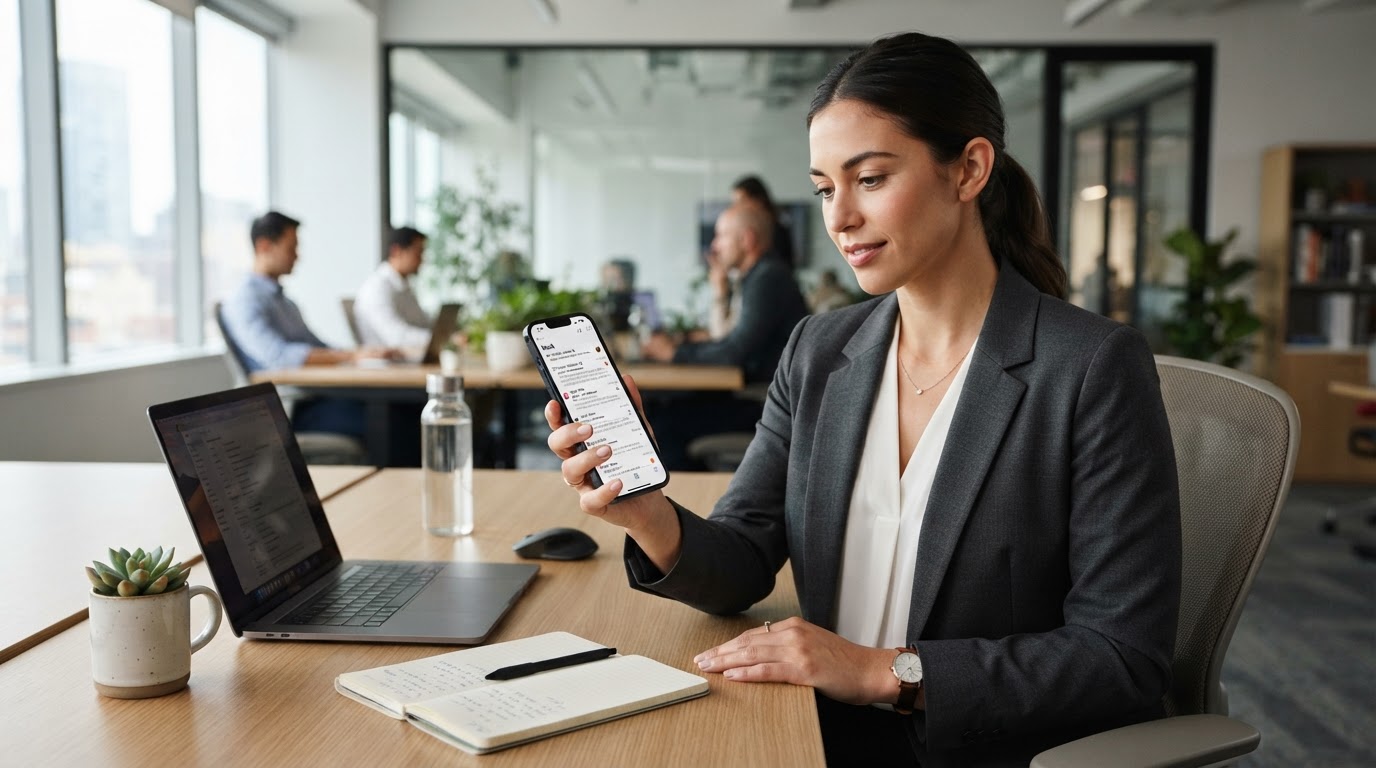
In almost every small business, the same thing is happening: employees are using their own personal phones for work. They check their work email on it, glance at a shared file, respond to a message from a customer, all from the device in their pocket that is also full of their personal life. It is practical, it is convenient, and honestly it is unavoidable in most small teams. It even has a name: BYOD, for "bring your own device." But it also means your company's data now lives on phones you do not own, did not set up, and cannot fully control. And most businesses have never set a single rule about it.
That gap is worth closing, not with heavy-handed control or by banning personal phones, which is impractical, but with a few sensible ground rules that protect your company's information while respecting your employees' personal devices and privacy. This is the team-wide companion to our guide on securing your own phone as a business owner: that one is about your device, this one is about setting expectations for everyone's. Let me walk you through the risks and give you a simple starter policy you can adopt.
Why personal phones need ground rules
When an employee's personal phone touches your company email and files, your business data extends onto a device with a few characteristics that create risk. You do not control how it is secured, so it might have a weak lock or none, might be running outdated software with known holes, and might be shared with family members. It travels everywhere and can be lost or stolen, with your company email, which is the key to so much, sitting right there on it. And critically, when that employee eventually leaves your business, your data and their access can walk right out the door on a device you have no claim to, unless you have planned for that moment.
None of this means personal phones are bad or that your employees are careless. It means that company data on a personal device is a real extension of your business that deserves basic protection, just like any other place your data lives. The goal is simple: make sure the phones touching your company information meet a few minimum standards, and that you can cleanly remove your data when someone leaves. That is achievable without prying into anyone's personal life.
The balance: protect company data, respect personal devices
The key to a good BYOD approach is balance, and it is worth stating plainly because it is what makes employees comfortable with the whole thing. You are not trying to monitor your employees' personal phones, read their private messages, or control what they do on their own device. You are trying to protect the company data that lives on it, and nothing more.
Modern tools make this balance possible. Business email and productivity platforms like Microsoft 365 and Google Workspace can require basic protections for accessing work accounts and can remove the work account and its data from a device without touching the employee's personal photos, apps, or messages. That means you can protect and reclaim your company data specifically, while leaving the rest of the phone entirely alone. When you explain BYOD rules to your team as "here is how we keep the company's data safe on your device, without touching your personal stuff," people are generally happy to go along, because it is reasonable and it protects them too.
The BYOD ground rules
Here are the sensible rules that make personal phones safe to use for work. They are minimal, reasonable, and easy to follow, focused entirely on protecting company data.
- A strong screen lock is required on any device used for work, a good PIN, password, or biometric, so a lost or stolen phone is not an open door to your company email.
- The device must be kept updated, with automatic updates on where possible, so known security holes are patched.
- Multi-factor authentication must be turned on for work accounts, so a stolen password alone cannot get into company email or systems from the device.
- The device should not be jailbroken or rooted (modified in ways that weaken its built-in security), and work-related apps should come only from the official app stores.
- Lost or stolen devices must be reported to you promptly, so you can act quickly to protect company data, ideally removing the work account remotely.
- And when an employee leaves, or no longer needs access, company data and access come off their device as part of offboarding, which connects to closing the door properly when people depart.
Where possible, use your email or device-management tools to enforce and support these, rather than relying purely on the honor system, so the protections are actually in place rather than just requested. For employees who work remotely, these rules pair naturally with the broader guidance in protecting your business when employees work from home.
Your 10-line starter BYOD policy
You do not need a lengthy legal document to get started. Here is a simple, plain-language starter policy you can adapt, share with your team, and build on. Ten lines, and you have covered the essentials.
- This policy applies to any personal device used to access company email, files, or systems.
- Any device used for work must have a strong screen lock (PIN, password, or biometric) enabled.
- Devices must be kept up to date with the latest software and security updates.
- Multi-factor authentication must be enabled on all work accounts accessed from the device.
- Devices must not be jailbroken or rooted, and work apps must come from official app stores.
- Public or shared Wi-Fi should be used cautiously for work; use a trusted connection for sensitive tasks.
- Report any lost or stolen device to the company immediately so work access can be removed.
- The company may remove its work accounts and data from a device remotely if it is lost, stolen, or when access ends. This affects company data only, not personal content.
- Company data and access will be removed from your device when you leave the company or no longer require access.
- Use good judgment: protect company information as you would want your own protected, and ask if you are unsure.
Post it, walk your team through it once, and have people acknowledge it. That single page closes most of the BYOD gap, and it signals that your business handles these things thoughtfully.
How we think about it
Protecting company data wherever it lives, including on the personal devices of a small team, is exactly how we think about security at Red Door Shield, through a simple framework we call KIT: Keep, Inspect, Trust. Keep what is valuable secure, with the screen locks, updates, and multi-factor authentication that guard company data on any device. Inspect what is coming in and what has access, including which devices reach your company email and files. And trust through validation, the clear expectations and the ability to reclaim your data cleanly, rather than simply hoping everyone's personal phone is secure. We help businesses set up and enforce sensible device rules using the tools they already have, so BYOD is a convenience that does not quietly become a liability.
What ready looks like
Picture your whole team using their own phones for work, comfortably and productively, with a quiet set of ground rules underneath: every device locked and updated, work accounts protected by multi-factor authentication, lost phones reported and their work access removed in minutes, and company data cleanly coming off any device when someone moves on. Your employees' personal lives stay their own, and your company data stays protected wherever it goes. The convenience of personal phones comes with none of the hidden exposure.
That is what ready feels like with BYOD. Not banning the phones people will use anyway, and not prying into their personal lives, but setting a few fair rules that keep your company's data safe on every device that touches it.
Personal phones and company data are a fact of life in small business, and a little structure turns that from a quiet risk into a well-managed convenience. A one-page policy and a few sensible expectations, supported by the tools you likely already have, close the gap. If you want help setting up and enforcing BYOD protections across your team, our free Business Security Assessment is the place to start, and it is a conversation worth having today.
Not sure where your business actually stands?
Take our free Business Security Assessment. In under 10 minutes, you will know exactly where your gaps are and what it would take to close them.
Get My Free Security Assessment