Every time I recommend a password manager, I get some version of the same worried question: "Wait, isn't it risky to put all my passwords in one place? What if that gets hacked?" It is a fair question, and a smart one. The instinct behind it, do not keep all your eggs in one basket, is usually good advice. So let me answer it directly, because once you understand how password managers actually work, that worry turns into relief, and you will see why security experts almost universally recommend them.
Here is the short version, and then I will explain it. A password manager is far safer than what you are almost certainly doing right now. The real risk is not using one. Let me show you why.
What a password manager actually is
A password manager is a secure, encrypted vault for all your passwords. You install it on your devices, and it does two simple but powerful things. It creates strong, unique passwords for every account you have, the long, random kind no human could remember, and it remembers them all for you, filling them in automatically when you log in.
The only thing you have to remember is one strong master password that unlocks the vault. That is the trade at the heart of it: instead of trying to remember dozens of passwords, which is impossible to do well, you remember one really good one, and the manager handles the rest. It turns an impossible task into an easy one.
Why "all in one place" is actually safer, not riskier
Now to the heart of your worry. The basket concern feels right, but it misunderstands what the alternatives really are. Let me lay them side by side.
What are you doing now, honestly? For most people, it is one of a few things. Reusing the same password, or small variations, across many accounts, which means one leak unlocks everything. Writing passwords on sticky notes or in a document on your computer, which anyone can find. Or relying on memory, which forces you into short, simple, reused passwords because those are the only kind you can keep track of. Every one of these is genuinely insecure, and most people are doing several at once.
Against that reality, a password manager is a dramatic upgrade, for a few reasons. The vault is encrypted, which means even if someone got their hands on the data, it is scrambled into something useless without your master password. The good password managers are built so that the company itself cannot see your passwords, because everything is locked and unlocked on your device with a key only you hold. And you protect the vault itself with multi-factor authentication, that extra code on your phone, so even your master password alone is not enough for anyone else to get in.
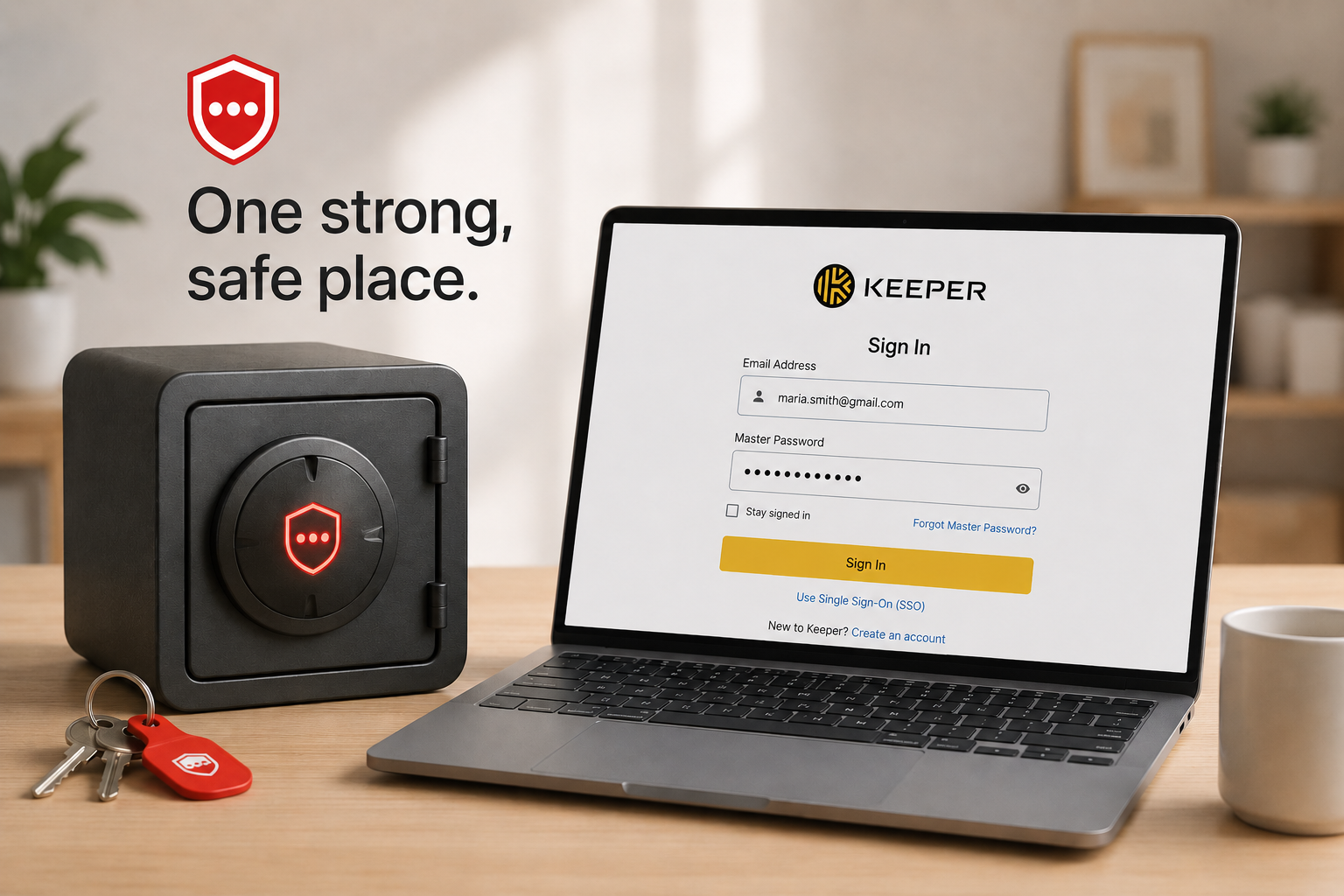
So yes, it is one place, but it is a heavily fortified place, far stronger than your memory or a sticky note. The "many baskets" you imagine you have today are mostly made of paper. The password manager is a safe.
The objection underneath the objection
Sometimes the real worry is simpler: "What if I forget my master password, or the company goes out of business, or it gets breached?" These are reasonable, and they all have straightforward answers.
If you forget your master password, reputable managers offer recovery options you set up in advance, like backup codes or recovery keys. The key is to set those up when you start and keep them somewhere safe. If you ever wanted to leave a particular service, password managers let you export your passwords, so you are never trapped. And on breaches: even in the rare cases where a password manager company has had a security incident, the design means the actual passwords stay encrypted and protected by your master password, which is exactly why the encryption matters so much. The system is built to assume the company could be attacked and to keep your data safe anyway.
None of this means any tool is perfect. It means a password manager is engineered specifically to be far more trustworthy than the human habits it replaces.
How to start, simply
Getting going is easier than people expect, and you do not have to do it all at once. Choose a reputable password manager, several well-regarded options exist, including free tiers that work fine for an individual. Set a strong master password, ideally a long passphrase of several words you can remember but no one could guess, and write it down somewhere genuinely safe until it sticks. Turn on multi-factor authentication for the password manager itself, so the vault has that second lock.
Then build it up gradually. Let the manager save your logins as you sign into things over the coming days. Start with your most important accounts, email, banking, key business systems, and let it generate new strong passwords for those first. Within a couple of weeks of normal use, most of your accounts will be in the vault with strong, unique passwords, and you will wonder how you managed before.
If you run a team, there are business versions designed to let everyone use strong passwords easily and to let you manage access in an organized way, which solves the very common problem of passwords scribbled on notes or shared over text.
How we think about it
A password manager is one of the most practical security upgrades a person or business can make, which is why it sits at the foundation of how we protect businesses at Red Door Shield, through a simple framework we call KIT: Keep, Inspect, Trust. Keep what is valuable secure starts with strong, unique passwords on every account, and a password manager is what makes that actually achievable instead of a nice idea. For an individual it is a quick win. For a team, the harder part is getting everyone using one consistently and managing access well, which is the part we help put in place so that strong password habits hold across the whole business, not just for the few who are diligent.
What ready looks like
Picture never reusing a password again, never straining to remember one, never scribbling one on a note. Every account protected by a strong, unique password, all of them locked in an encrypted vault behind one master password and a second factor on your phone. If one website you use gets breached, it does not cascade, because that password is used nowhere else. The low-grade hassle and worry of passwords just fades into the background, handled.
That is what ready feels like. Not juggling an impossible number of passwords in your head, but letting a tool built for exactly that job carry the load.
The basket worry is understandable, but the truth is the opposite of the fear: a password manager gathers your passwords into the one place strong enough to actually protect them, and out of all the weak places they live now. It is free or inexpensive, and you can start today. Set one up, beginning with your email and key accounts. And if you want help rolling strong password habits out across your whole team, that is a conversation worth having while you are already thinking about it.
Learn how to turn on multi-factor authentication, see how fast hackers can crack passwords, or check if your password was already stolen.
Know Where Your Business Stands
Our free Business Security Assessment gives you a clear picture of your current security posture in less than 10 minutes. No technical knowledge required.
Not sure where your business actually stands?
Take our free Business Security Assessment. In under 10 minutes, you will know exactly where your gaps are and what it would take to close them.
Get My Free Security Assessment