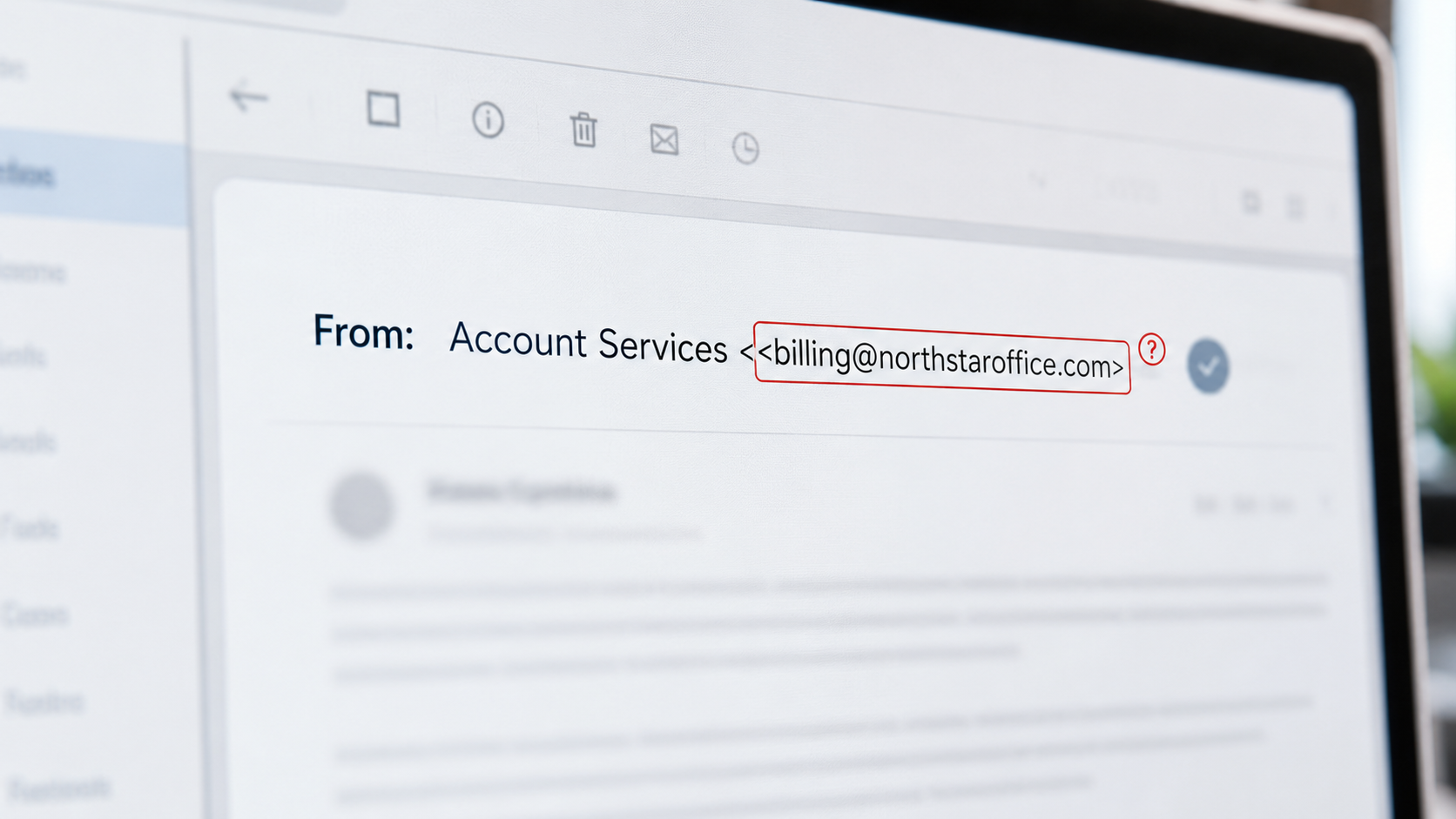
We have written about protecting your inbox, filtering out the bad email that comes in. But there is a flip side that almost nobody talks about, and it is genuinely alarming: without the right protections, a criminal can send email out that appears to come from your exact email address, to your clients, your vendors, anyone. Not a lookalike address that is close to yours, but your actual domain, name@yourcompany.com, with your real business name in the "from" line. Your clients receive an email that genuinely looks like it came from you, and they have every reason to trust it.
Think about how dangerous that is. A criminal impersonating your real address can send your clients a fake invoice, a fraudulent request to change payment details, or a phishing message, and it carries all the trust of your genuine business email. This is called email spoofing, and the tools to prevent it have three intimidating names: SPF, DKIM, and DMARC. They sound deeply technical, and the details are, but the ideas are simple, and every business owner should understand them, because they protect your outbox and your clients from your name being used against them. Let me explain all three in plain English, and show you how to check whether you have them.
Why this is even possible
First, the uncomfortable reason this problem exists at all. Email was invented decades ago without any built-in way to verify who really sent a message. By default, the "from" address on an email is a bit like the return address you write on an envelope: you can write anything you want there, and nothing automatically checks that it is true. That means, without added protections, someone can send an email and simply put your domain in the "from" field, and it will often go through looking like it came from you.
This is not a flaw someone forgot to fix; it is how the underlying system was designed in a more trusting era. The solution was to add verification on top, standards that let a domain owner declare which mail is really theirs, so receiving email systems can tell the genuine from the fake. SPF, DKIM, and DMARC are those standards. Together, they let you prove your email is really yours and instruct the world to reject impostors. Here is what each one does.
SPF: the guest list of who can send as you
SPF, which stands for Sender Policy Framework, is essentially a published guest list of which mail servers are allowed to send email on behalf of your domain. As the domain owner, you publish a small record that says, in effect, "only these specific servers are authorized to send email as yourcompany.com." When an email claiming to be from your domain arrives somewhere, the receiving system can check it against your SPF list and see whether it came from an approved sender.
Think of it like a guest list at an event. If a message shows up claiming to be from you but was sent from a server that is not on your approved list, that is a strong sign it is a fake. SPF is the first layer: it defines who is legitimately allowed to send mail in your name.
DKIM: the tamper-proof seal on your mail
DKIM, which stands for DomainKeys Identified Mail, adds a kind of digital signature, or seal, to the emails your domain sends. This invisible signature does two things: it proves the message genuinely came from your domain, and it confirms the message was not altered in transit. Receiving mail systems can check the signature and verify both.
Picture a tamper-proof wax seal on a letter. If the seal is present and intact, the recipient knows the letter is authentic and has not been opened and changed along the way. If it is missing or broken, that is a warning. DKIM is that seal for your email, a cryptographic proof of authenticity that is very hard for a criminal to fake.
DMARC: the policy that ties it together and tells the world what to do
DMARC, which stands for Domain-based Message Authentication, Reporting, and Conformance, is the one that brings it all together and gives it teeth. SPF and DKIM provide the checks; DMARC is the instruction that tells receiving mail systems what to do when an email claiming to be from your domain fails those checks, and it can also send you reports on what is happening.
With DMARC, you can set a policy that says, in effect, "if an email claims to be from my domain but fails the guest-list check and the seal check, do not deliver it, reject it or send it to spam, and let me know." That is the enforcement layer. Without DMARC set to enforce, you might have SPF and DKIM checks in place but no clear instruction to actually reject the fakes. DMARC closes that gap and makes the protection real, and its reports give you visibility into who is sending email using your domain, including any impostors.
Put the three together and you get powerful protection: SPF says who can send as you, DKIM proves your mail is authentic and unaltered, and DMARC tells the world to reject anything that fails and reports back to you. With all three properly configured, a criminal trying to spoof your exact domain finds their fakes rejected or flagged before they reach your clients.
Why this matters, especially for professional firms
This protection matters for any business, but it is especially important for firms that email sensitive information and financial requests to clients, accountants and CPAs being a prime example, given how much they handle client financial data, as we discuss in our guidance for accounting firms. If a criminal can send an email that appears to come from your firm's real address, asking a client to update payment details or share information, the potential for fraud is enormous, and the trust damage lands on you. Protecting your outbound email identity protects your clients and your reputation.
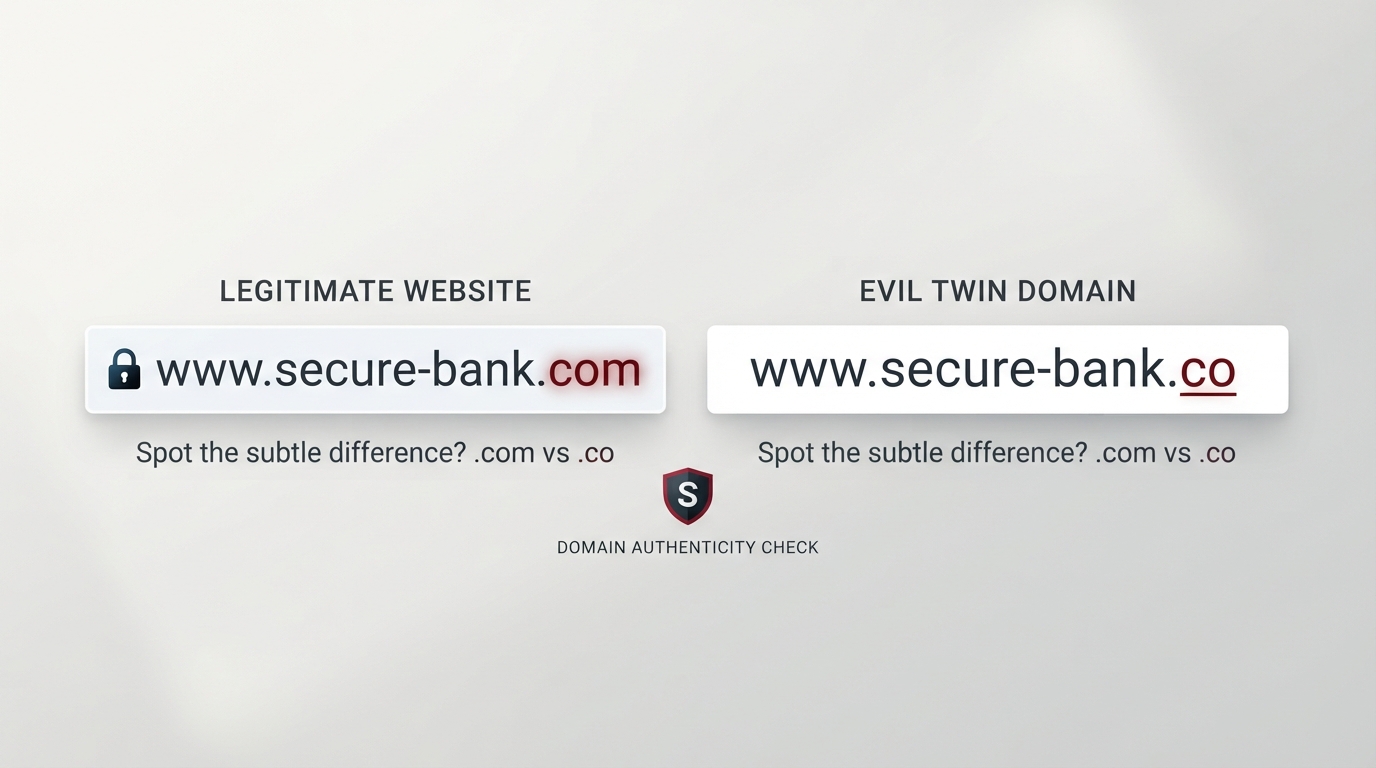
It is worth noting what this does and does not cover. SPF, DKIM, and DMARC protect your exact domain from being spoofed. They do not, by themselves, stop criminals from using lookalike domains, entirely different addresses crafted to resemble yours, which is a related threat we cover separately. The two protections are complementary: these standards lock down your real domain, and defending against lookalikes handles the near-copies. Together they protect your email identity from both angles.
How to check what you have
Here is the practical, do-it-today part: you can check whether your domain has these protections in just a couple of minutes, and you do not need to be technical to do the check. There are free online tools, often called DMARC checkers or email authentication checkers, that examine a domain and report what it has in place.
To use one, go to a reputable free checker and simply enter your domain name, the part after the @ in your email. The tool will look up your domain's public records and show you whether you have SPF, DKIM, and DMARC configured, and often how they are set. Two things are especially worth noticing in the results: whether all three exist at all, and, for DMARC, whether it is set to actually enforce (reject or quarantine failing mail) or is only in a monitoring mode that does not block anything. Many businesses that have a DMARC record at all have it set only to monitor, which watches but does not stop the fakes, so seeing "enforcement" versus "none" tells you whether the protection is truly active.
If the checker shows you are missing these, or that DMARC is not enforcing, that is your signal to act. And here is the honest caution: while checking is easy, setting these up correctly is a bit technical, because they involve editing your domain's DNS records, and a misconfiguration can accidentally block your own legitimate email. So the smart path is to check them yourself to understand where you stand, then have them set up and moved to enforcement carefully, ideally with knowledgeable help or following your email provider's official guidance, so you gain the protection without disrupting your real mail. Providers like Microsoft 365 and Google Workspace document how to do this, and it pairs with the broader inbox protections in our guide to email security.
How we think about it
Protecting your email identity, both what comes in and what goes out in your name, is central to how we think about security at Red Door Shield, through a simple framework we call KIT: Keep, Inspect, Trust. Keep what is valuable secure, including your domain's outbound identity, locked down so criminals cannot send as you. Inspect what is coming in with strong inbox protection, and, through DMARC's reporting, gain visibility into who is trying to use your domain. And trust through validation, which these standards embody: receiving systems validate that email is genuinely yours rather than trusting the "from" line. We help businesses set up SPF, DKIM, and DMARC correctly and move to real enforcement, so your clients can trust that email from your domain is truly from you.
What ready looks like
Picture your domain fully protected on the outbound side: SPF listing your authorized senders, DKIM sealing your mail as authentic, and DMARC set to enforce so that any email falsely claiming to be from you is rejected before it reaches your clients, with reports keeping you informed. A criminal who tries to spoof your exact address to defraud your clients finds their fakes bounced or buried, and your clients keep trusting that mail from your domain is really you, because now it reliably is.
That is what ready feels like for your outbox. Not leaving your domain open for anyone to impersonate, but proving your email is genuinely yours and instructing the world to reject the fakes.
Email was built to be trusting, which is exactly why criminals can send messages that look like they came from your real address, unless you close that door. SPF, DKIM, and DMARC are how you close it: your guest list, your seal, and your enforced policy, working together to protect your clients from your name being used against them. Check yours today, and get them set to real enforcement. If you want help protecting your email identity and the rest of your business, our free Business Security Assessment is the place to start, and it is a conversation worth having today.
Not sure where your business actually stands?
Take our free Business Security Assessment. In under 10 minutes, you will know exactly where your gaps are and what it would take to close them.
Get My Free Security Assessment