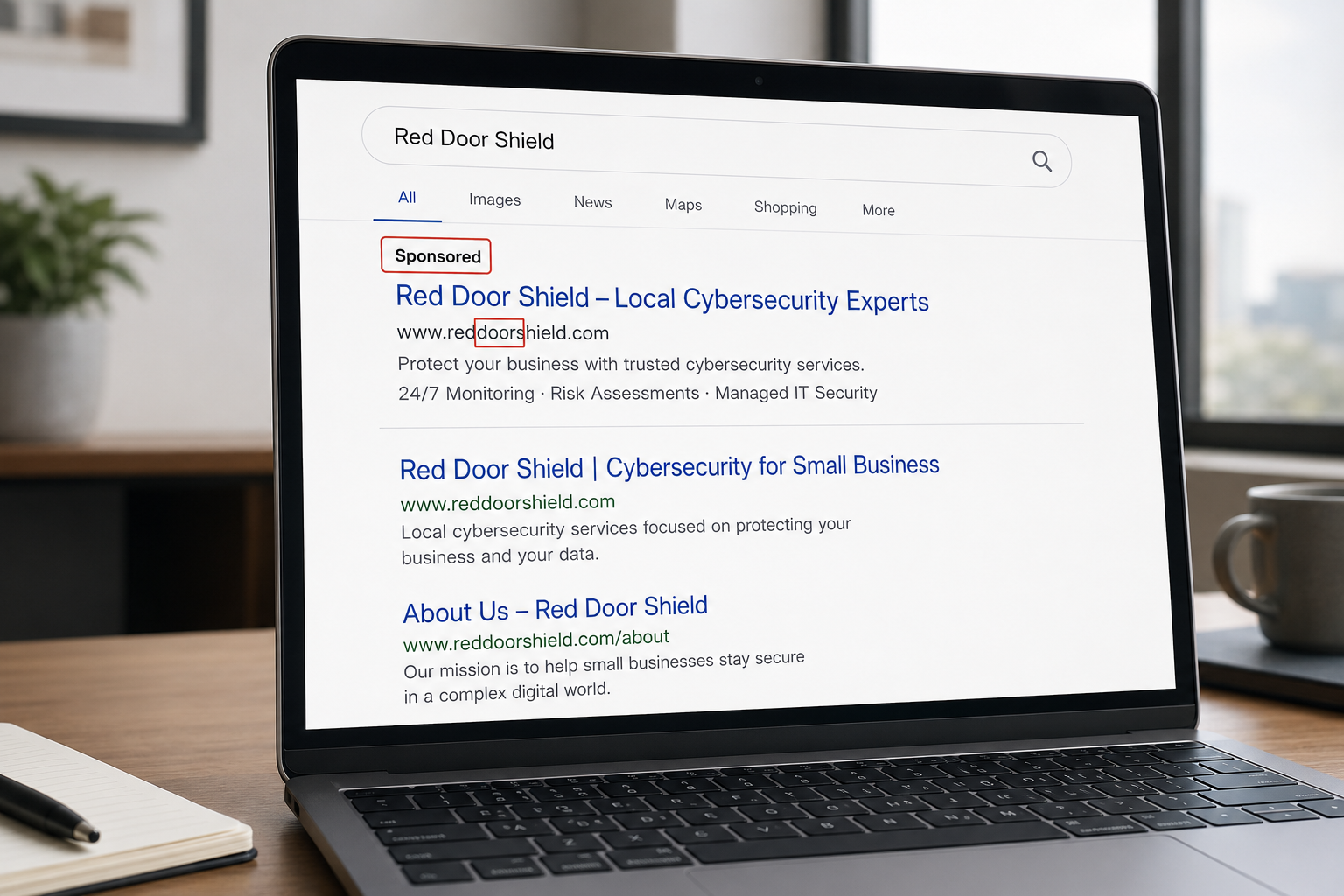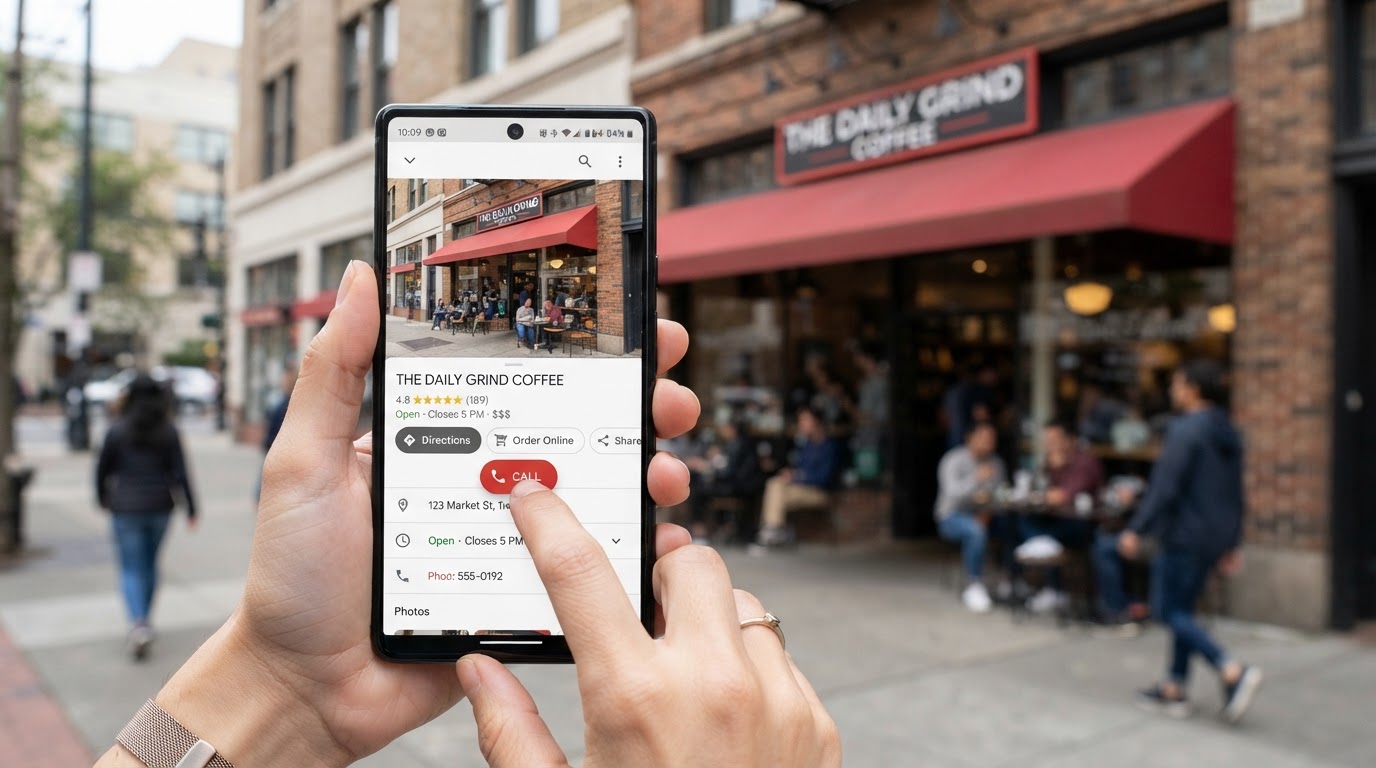
For a local business, your Google Business Profile is your storefront. It is the listing that appears when someone searches for you or your kind of business on Google or looks you up on Google Maps, showing your hours, your phone number, your website, your reviews, and the button people tap to call or get directions. For a huge number of local service businesses, plumbers, contractors, salons, shops, restaurants, more customers walk through that digital storefront than any physical door. Which is exactly why it has become a target. If a criminal hijacks your Google Business Profile, they can quietly steal your customers in plain sight, and you might not notice until the phone stops ringing.
This is a scam that catches local businesses off guard because most owners have never thought of their Google listing as something that can be attacked. But it can, and the damage is direct: lost customers, lost revenue, and your good name used against the very people trying to reach you. We have covered protecting your social media accounts like Facebook and Instagram, but Google is its own beast, so it deserves its own guide. Let me explain how the listing scam works, how to recover if it happens, and how to lock your profile down.
What the listing scam actually does
The heart of this scam is control of your listing, and the most damaging move is deceptively simple: changing your phone number. If a criminal can alter your Google Business Profile and swap in their own phone number, then every customer who finds you on Google and calls is now calling the criminal instead of you. Think about what that means. Your customers, trying to reach your business, get connected to a scammer who may take their money, harvest their information, or resell the lead, all while the customer believes they are dealing with you. You lose the business, and your reputation takes the hit for whatever the criminal does in your name.
Changing the phone number is the classic version, but hijackers do other damaging things too. They may change your website link to send your traffic elsewhere, alter your address so customers cannot find you or get misdirected, or mark your business as permanently closed, which quietly turns customers away and can devastate a local business. They may post fraudulent content or manipulate your reviews. And in some cases criminals create fake duplicate listings for your business, competing versions that intercept customers before they ever reach your real profile.
The through-line is that your listing is how local customers find and contact you, so controlling or corrupting it lets a criminal stand between you and the people trying to give you their business. And because it happens out on Google rather than inside your own systems, it can go unnoticed for a while, which is what makes it so quietly costly.
How it happens
There are a few common paths to a hijacked profile, and knowing them points to the prevention. Sometimes a criminal gains access to the Google account that manages your profile, through a phishing scam, a weak or reused password, or the absence of a second layer of protection, and simply takes control. Sometimes they exploit the way Google lets people suggest edits to listings, submitting fraudulent changes that get accepted. Sometimes they claim a listing that was never properly claimed and verified by the real owner, which leaves it more exposed. And sometimes they set up fake duplicate listings rather than touching your real one. There is also a related phishing angle: scammers call or email pretending to be Google, warning that your listing needs to be verified or will be removed, to trick you into handing over access or information. Google does not operate that way, and those pressure tactics are a red flag.
If your profile is hijacked: recovery steps
If you discover your Google Business Profile has been tampered with or taken over, act quickly, because every hour it is compromised is customers potentially being misdirected. Here is the calm order of operations.
First, try to regain control. Sign into your Google Business Profile through your Google account and see whether you still have access. If you have been locked out or removed as the owner, use Google's official recovery and reinstatement process for business profiles, and report the profile as compromised through Google Business Profile support. This is the channel for reclaiming a hijacked listing, and it is worth pursuing promptly and persistently.
Second, secure the underlying Google account. Once you have access, change the password to something strong and unique, turn on multi-factor authentication if it is not already on, and review who has manager or owner access to the profile, removing anyone you do not recognize, since a hijacker may have added themselves.
Third, fix everything they changed. Correct your phone number, website, address, and hours back to the truth, and remove any fraudulent content. Double-check every field, because attackers sometimes make subtle changes hoping you will miss one.
Fourth, deal with fake duplicates. If you find fraudulent duplicate listings for your business, report them to Google for removal so they stop intercepting your customers. And if customers may have been affected, reaching the wrong number or misled, a brief, honest heads-up where appropriate protects them and your reputation. Recovering a hijacked listing can take some persistence with Google, but it is very much worth the effort, because that listing is your storefront.
How to prevent it
Prevention here is very achievable, and it is far easier than recovery. A few steps lock your storefront down. Claim and verify your Google Business Profile if you have not already, so it is properly under your control rather than sitting unclaimed and exposed. Protect the Google account that owns it with a strong, unique password and multi-factor authentication, since that account is the key to your listing, exactly the same principle that protects your other important accounts. Review who has access to your profile, keeping owner and manager access limited to people you trust, and removing former employees or agencies you no longer work with, so old access cannot be abused. Monitor your listing regularly, glancing at your phone number, hours, website, and reviews to make sure nothing has been changed, and turn on notifications so Google alerts you to edits or changes to your profile, which is your early warning. And treat any "this is Google, verify your listing now or lose it" call or email with suspicion, verifying through official channels rather than acting on the pressure.
These habits, especially strong account protection and keeping an eye on the listing, close the doors this scam uses. Because your Google presence and your website together make up your online storefront, protecting the listing pairs naturally with keeping your website secure as well, which we cover in small business website security.
How we think about it
Protecting the whole of your digital storefront, not just your internal systems, is how we think about security at Red Door Shield, through a simple framework we call KIT: Keep, Inspect, Trust. Keep what is valuable secure, including the Google account that controls your listing, protected with a strong password and multi-factor authentication. Inspect what is coming in and what has changed, including keeping an eye on your listing so a hijack is caught early rather than after customers are lost. And trust through validation, treating those "verify your listing" pressure scams with the skepticism they deserve. We help local businesses protect their entire online presence, because for many of them, that presence is how customers find them, and it deserves to be guarded like the storefront it is.
What ready looks like
Picture your Google Business Profile locked down: claimed and verified, its Google account protected with multi-factor authentication, access limited to people you trust, notifications on so you would know immediately if anything changed, and you glancing at it now and then to be sure. A criminal trying to swap in their phone number or mark you closed finds the door locked and gets nowhere, and if they somehow tried, you would catch it fast and restore it. Your customers reach you, your reviews and reputation stay yours, and your digital storefront keeps working for you instead of being turned against you.
That is what ready feels like for your Google listing. Not discovering the hijack when the calls dry up, but protecting the storefront that so many of your customers walk through.
For a local business, your Google Business Profile is too important to leave unprotected, because it is often the very thing that connects you to your customers. A hijack can quietly steal that connection, but a little protection, strong account security, limited access, and a watchful eye, keeps it firmly yours. If you want help protecting your full online presence and the accounts behind it, our free Business Security Assessment is the place to start, and it is a conversation worth having today.
Not sure where your business actually stands?
Take our free Business Security Assessment. In under 10 minutes, you will know exactly where your gaps are and what it would take to close them.
Get My Free Security Assessment