It is the most natural thing in the world. A client needs a document, a colleague needs a contract, your accountant needs a spreadsheet full of numbers, so you attach the file to an email and hit send. Done in seconds. We all do it, and most of the time nothing goes wrong. But emailing sensitive files, and its cousin, dumping documents into wide-open shared folders, carries risks most owners never think about, and there is a safer way that is nearly as easy once you set it up.
This is not about being paranoid over every file. It is about handling the sensitive ones, the contracts, the financial records, the documents full of personal information, with a little more care than a casual email attachment. Let me explain the risks in plain terms and give you a better, simple approach.
Why emailing sensitive files is riskier than it looks
Email feels private, but it was not really built to be a secure vault, and a file you email takes on a life of its own the moment it leaves.
Once you send an attachment, you lose all control over it. It sits in the recipient's inbox indefinitely, and in yours, and on any device that syncs that mail. It can be forwarded to anyone, intentionally or by mistake. If either your email account or the recipient's is ever compromised, that sensitive file is right there for the taking, sitting in the mailbox waiting. And a simple slip, sending to the wrong person, a mistaken autocomplete in the address field, sends your sensitive document straight to the wrong hands with no way to pull it back. An email attachment is a copy you have permanently released into the world, with no leash on it.
The shared-folder version of this risk is just as common. Businesses set up cloud folders and, for convenience, share them broadly or generate links that anyone can open. Over time, sensitive documents accumulate in folders that far more people can reach than anyone intended, including former employees and contractors whose access was never removed. Convenient, yes, but quietly exposed.
The safer way to share
The good news is that modern tools make secure sharing almost as easy as an attachment, once you build the habit. The core idea is simple: instead of sending a copy you no longer control, share access to a file you still control.
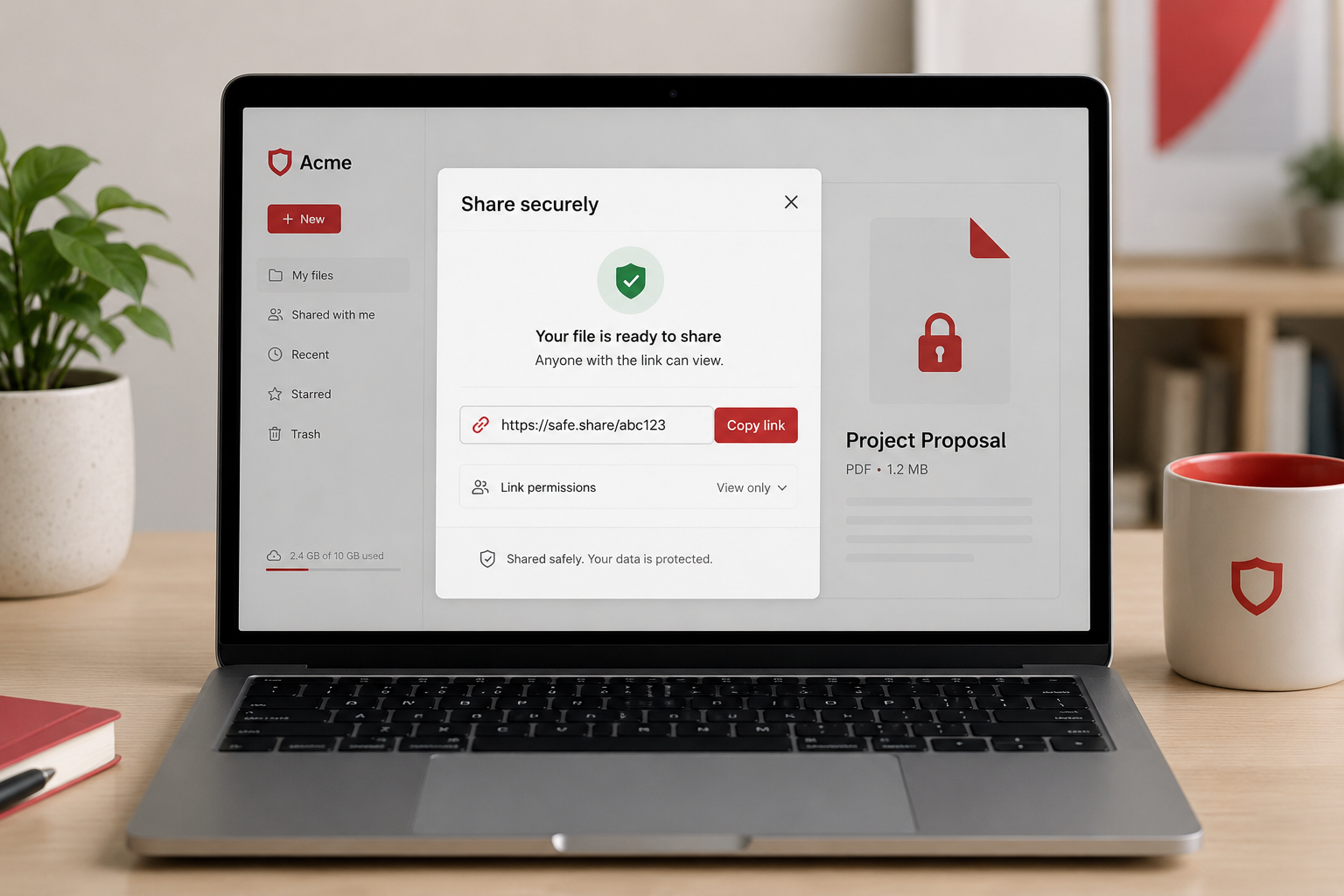
- Share a link, not the file itself, using a reputable secure file-sharing or cloud service. Rather than attaching the document, you share a secure link to it, and because the file stays in your control, you can manage who reaches it and change your mind later. That control is the whole advantage.
- Set permissions deliberately. Good sharing tools let you decide exactly who can access a file, require them to sign in rather than opening it with an anonymous link, choose whether they can only view or also edit, and share with specific people instead of "anyone with the link." Take the few extra seconds to share narrowly rather than broadly.
- Use passwords and expiration where it matters. For sensitive documents, many services let you add a password to a shared link or set it to expire after a period. That means a link that leaks later is not an open door forever, and only the intended person can open it.
- Revoke access when it is no longer needed. Because you kept control, you can turn off access when a project ends or when someone should no longer have it, something an emailed attachment never allows. Make it a habit to clean up sharing periodically.
- Clean up your shared folders. Review who has access to your cloud folders, tighten anything shared too broadly, and remove access for people who no longer need it, especially former staff and contractors. Keep sensitive documents in folders shared only with the specific people who require them.
And when you do need to send something by email, avoid putting highly sensitive information in the body or an unprotected attachment. Use a secure link instead, or at minimum be certain of the recipient before you send.
A note on everyday practicality
None of this means turning simple file sharing into a chore. For routine, non-sensitive documents, an email attachment is usually fine. The point is to develop a little instinct: when a file contains sensitive information, financial data, personal information, confidential contracts, pause and share it the safer way instead of firing off an attachment. It is a small habit that meaningfully reduces a common risk, and it quickly becomes second nature.
How we think about it
How you share files is part of protecting the data itself, which is central to how we think about security at Red Door Shield, through a simple framework we call KIT: Keep, Inspect, Trust. Keep what is valuable secure, which means sensitive documents are shared through controlled channels rather than released as uncontrolled copies. Inspect what is coming in and going out, so sensitive data leaving through casual sharing is part of the picture. And trust through validation, with the deliberate permissions and periodic clean-ups that keep files reachable only by the right people. We help you set up secure, sensible ways to share and store documents, so protecting your data does not mean slowing down your work.
What ready looks like
Picture sharing sensitive documents with confidence: a secure link instead of a loose attachment, access limited to the specific people who need it, passwords or expiration on the truly sensitive ones, and the ability to revoke access whenever you choose. Your shared folders are tidy, reaching only the right people, with no forgotten access lingering from years past. Your sensitive files are shared, not scattered.
That is what ready feels like. Not hoping an emailed document never ends up somewhere it should not, but keeping control of your sensitive files even after you share them.
Sharing documents is part of every business day, and doing it a little more carefully with the sensitive ones closes a common and overlooked gap. The tools are already at your fingertips, and the habit is easy to build. If you want help setting up secure, practical file sharing and storage for your business, that is a conversation worth having today.
Learn about protecting customer data, read about managing employee offboarding access, or see our guide on what you paste into AI.
Know Where Your Business Stands
Our free Business Security Assessment gives you a clear picture of your current security posture in less than 10 minutes. No technical knowledge required.
Not sure where your business actually stands?
Take our free Business Security Assessment. In under 10 minutes, you will know exactly where your gaps are and what it would take to close them.
Get My Free Security Assessment