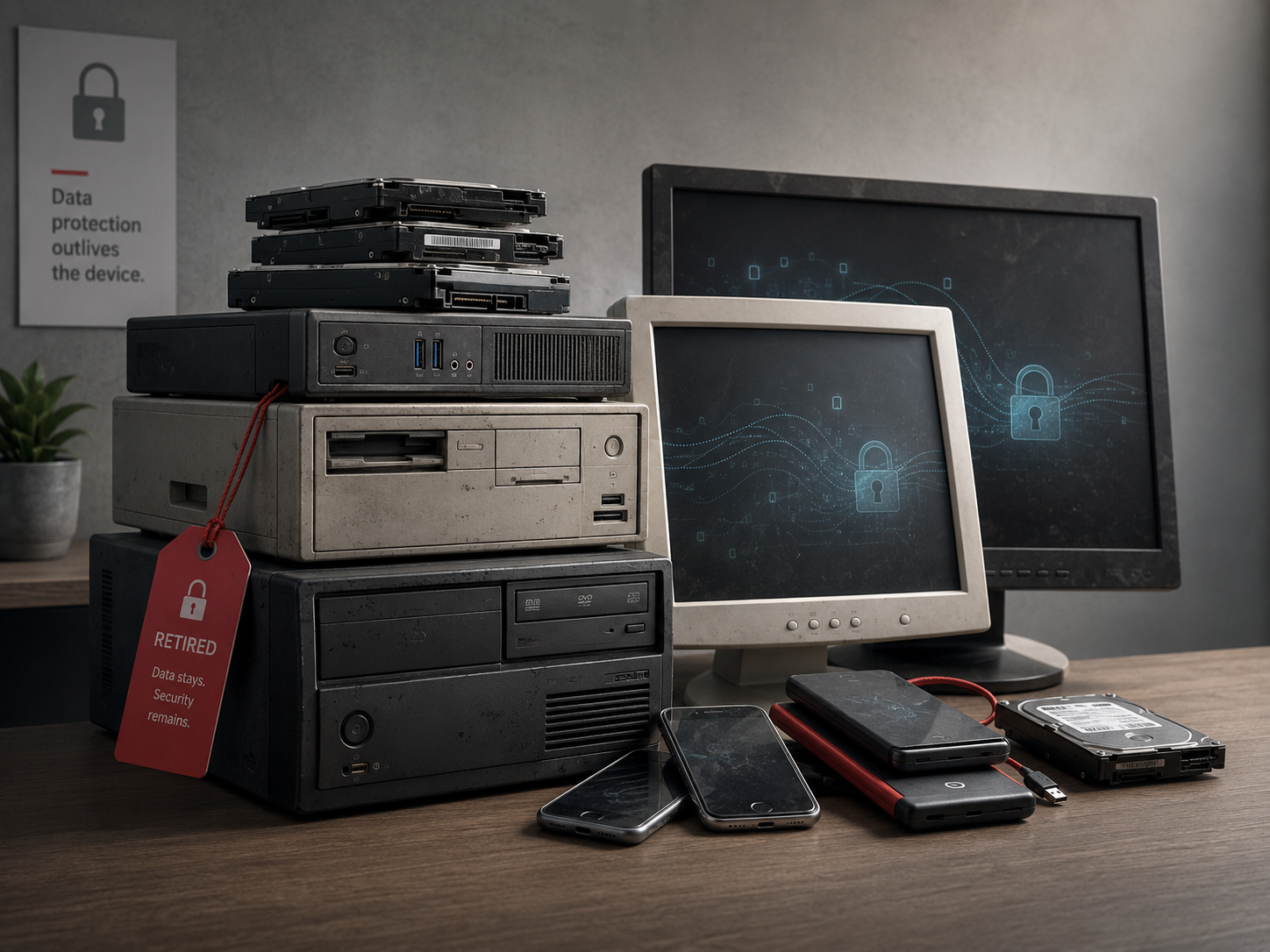
Every business eventually replaces its technology. The laptop gets old, the phones get upgraded, the printer gets swapped out, and the old ones get sold, donated, recycled, or tossed in a closet and eventually thrown away. It feels like a simple bit of housekeeping. But there is a quiet risk hiding in that routine, one most owners never think about: the data on those old devices does not leave just because the device does. And "deleting" your files, it turns out, usually does not really delete them.
This is one of the more overlooked ways sensitive business information leaks out into the world, sometimes years after you have forgotten the device ever existed. The good news is that safely retiring your old technology is straightforward once you know how, and it protects you, your customers, and your business from a risk that is entirely avoidable. Let me walk you through it.
Why deleting files is not enough
Here is the fact that surprises almost everyone. When you delete a file, or even empty the recycle bin, the information is usually not actually gone. In simple terms, the computer just marks that space as available to be reused later, but the underlying data often remains, recoverable with freely available tools, until something happens to overwrite it. Even reformatting a drive does not reliably remove everything.
What this means in practice is sobering. A business sells or donates an old computer, believing it "wiped" the machine by deleting files or doing a quick reset, and the buyer or recipient, or anyone who later gets that device, can potentially recover client records, financial information, passwords, emails, and everything else that was on it. There have been many documented cases of second-hand devices turning up loaded with the previous owner's sensitive data. The device left the building. The data stayed reachable.
For a business, that is a real exposure. All the care you put into protecting data while you use a device can be undone at the very end of its life, in the one moment you were not thinking about security. So the goal when retiring any device is simple: make sure the data is genuinely, unrecoverably gone before the device leaves your control.
How to properly wipe computers and drives
For computers, laptops, and the storage drives inside them, you have two solid options depending on what happens to the device next.
If the device will be reused, sold, or donated, you want to securely erase it, not just delete files. This means using a proper method that overwrites the data so it cannot be recovered, or using the built-in secure-erase or reset-and-remove-everything features that modern systems provide, which on current devices are generally effective, especially where the drive is encrypted. The key is using a genuine secure-wipe process, not just dragging files to the trash. If you are not sure how to do this correctly, this is a very reasonable thing to have a professional handle, because getting it right matters.
If the device is being retired for good and not reused, the most certain approach is physical destruction of the storage drive, so the data cannot be recovered by anyone, ever. Reputable IT disposal and recycling services offer secure destruction and will often provide a certificate confirming it was done. For sensitive business data, this certainty is worth it.
A helpful note for the future: if your devices are encrypted while you use them, which is a good practice anyway, retiring them safely becomes much easier, because the data is already scrambled and properly wiping the key renders it unreadable. Encryption protects you at the end of a device's life as well as during it.
Don't forget phones, and the devices you overlook
Computers get the attention, but the risk extends to everything that stores data, and several of these are easy to forget.
Phones and tablets hold an enormous amount, your email, apps, accounts, and data. Before retiring one, sign out of and remove your accounts, then perform a full factory reset, and make sure it is disconnected from your accounts so it cannot still be linked to you. As with computers, do not just hand off a device still logged into your business life.
Printers and copiers are the ones almost no one thinks about. Many modern office printers and copiers contain internal storage that keeps copies of the documents they have printed, scanned, or faxed, which for a business can mean a hidden archive of sensitive material. When you retire, return, or replace one, especially a leased machine, make sure its stored data is properly cleared. This is a genuine and frequently overlooked leak.
External drives, USB sticks, and old backup media hold data too and need the same secure-wipe or destruction treatment. And do not overlook paper: sensitive documents should be shredded, not simply thrown away, because dumpster-diving for information is a low-tech but real threat.
The principle across all of these is the same. Anything that stored sensitive information needs that information genuinely removed before the item leaves your hands.
Build it into a simple routine
The best way to handle this is to make it a standard, unremarkable part of how you retire any technology, so it never gets skipped in the rush of an upgrade. A simple routine does the job.
Keep a basic awareness of what devices your business uses and where your data lives, so nothing gets retired and forgotten with data still on it. Before any device leaves your control, whether sold, donated, returned, recycled, or trashed, make securely erasing or destroying its data a required step, not an afterthought. For sensitive equipment, use a reputable disposal service that provides secure destruction and documentation. And connect this to your broader habits: the same care you take onboarding and offboarding people and managing access should extend to the end of a device's life.
None of this is difficult or expensive. It is simply a habit of finishing the job, making sure a device is truly clean before it moves on.
How we think about it
Protecting data through the entire life of a device, including its retirement, is part of how we think about security at Red Door Shield, through a simple framework we call KIT: Keep, Inspect, Trust. Keep what is valuable secure, which includes making sure sensitive data is genuinely gone before a device leaves your control, and using encryption so your data is protected at every stage, including the end. Inspect, in the sense of knowing what devices and data you have so nothing is retired and forgotten with information still on it. And trust through validation, using proper secure-wipe or destruction methods and, for sensitive equipment, verification that it was done, rather than assuming a deleted file is really gone. We help you protect data across its whole lifecycle, so the care you take while using a device is not undone the moment you retire it.
What ready looks like
Picture upgrading your technology with total confidence: every old computer securely wiped or its drive destroyed, every phone reset and unlinked from your accounts, your printer's hidden storage cleared before it goes back, sensitive documents shredded, and nothing carrying your business data ever leaving your hands still readable. The old devices move on, but your information does not go with them. A risk most businesses never even consider is one you have simply closed.
That is what ready feels like. Not hoping an old device does not come back to haunt you, but knowing that when your technology retires, your data retires with it, completely.
Retiring old technology is routine, but the data on it is not, and finishing the job properly protects everything you worked to secure while you used it. The steps are simple and worth building into a habit. If you want help setting up secure device retirement and data disposal for your business, or making sure your devices are encrypted so this is easy, that is a conversation worth having today.
Learn about protecting customer data, read about mobile device security, or see our guide on employee offboarding.
Know Where Your Business Stands
Our free Business Security Assessment gives you a clear picture of your current security posture in less than 10 minutes. No technical knowledge required.
Not sure where your business actually stands?
Take our free Business Security Assessment. In under 10 minutes, you will know exactly where your gaps are and what it would take to close them.
Get My Free Security Assessment