Somewhere on your team's computers right now, there are probably little browser add-ons that nobody thinks about anymore. A coupon finder someone installed to save a few dollars. A PDF converter. A grammar helper. A screenshot tool. They seemed useful, they were a click to install, and they have been quietly running ever since. Here is the unsettling part most business owners have never considered: some of those little extensions may have permission to read everything your team types and sees in their browser, including passwords, customer information, and sensitive business data.
Browser extensions are one of the most overlooked security risks in a business, precisely because they feel so trivial and helpful. But they operate with surprising power, and they can turn dangerous in ways that catch even careful people off guard. The good news is that you can get a handle on this in about ten minutes. Let me explain the risk plainly, and then show you how to audit your team's extensions.
The permission problem
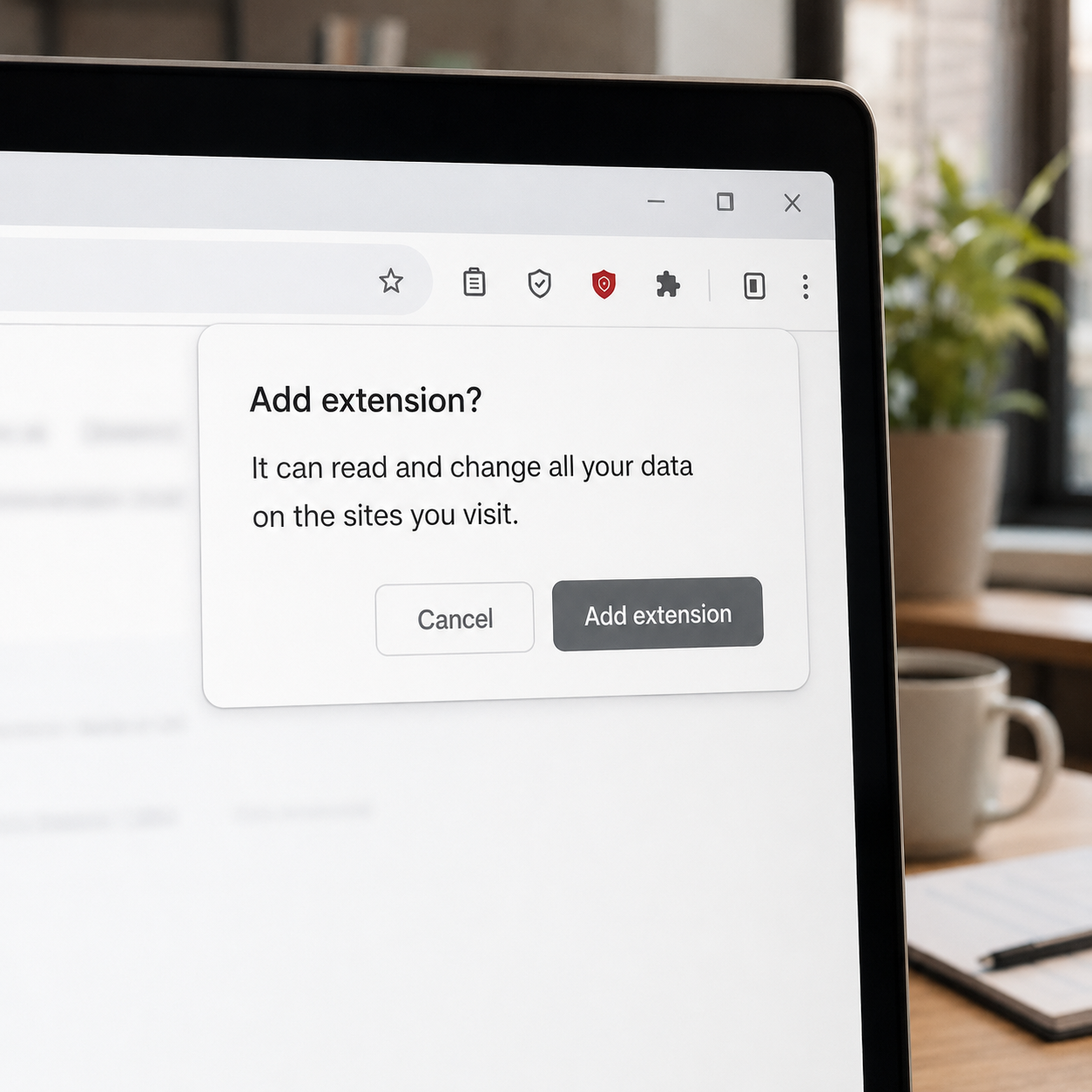
To understand the risk, you have to understand what an extension can actually do. When you add an extension to your browser, it often asks for permissions, and one of the most common is some version of "read and change all your data on the websites you visit." Most people click "Add" without a second thought, and just like that, they have granted a small piece of software from a third party the ability to see and interact with essentially everything they do in their browser.
Think about what that means. Your browser is where your team logs into email, banking, business systems, and customer accounts. It is where they type passwords, read confidential information, and handle sensitive work. An extension with broad permissions can potentially see all of it: what is typed, what is displayed, the pages visited, and the information entered. A well-behaved extension uses that access only for the helpful thing it advertises. But the access itself is sweeping, which means the extension is trusted with a great deal, usually without anyone realizing how much.
That is the core issue. Extensions are handy, but they are also deeply privileged pieces of software running inside the exact place your team handles their most sensitive work. And that trust can be abused in a few different ways.
Three ways extensions go wrong
The risk shows up in three distinct forms, and the second one is the surprise that catches people.
First, some extensions are simply malicious from the start, built to look like a useful tool while quietly harvesting data or doing harm. They pose as a helpful add-on, get installed by unsuspecting users, and abuse their permissions from day one. These slip into extension stores more often than you would hope.
Second, and this is the one almost no one anticipates, a legitimate extension can turn malicious after you have installed it. Here is how: an extension that is genuinely useful builds up a large base of users who trust it, and then the original developer sells it, or the developer's account is hijacked, and the new owner pushes out an update. Because extensions update automatically and silently, that update lands on every user's browser without anyone clicking anything. Overnight, a tool your team installed in good faith and has trusted for months can quietly become a data-harvesting threat, and nobody would notice. The extension you vetted a year ago is not necessarily the extension running today.
Third, even many well-intentioned extensions overreach, collecting and selling browsing data or more information than they need, treating your team's activity as a product. This may not be outright criminal, but it can still mean sensitive business browsing data flowing out to third parties you never chose to trust.
Across all three, the theme is the same: an extension is a lot of trust placed in a small, easily-overlooked piece of software, and that trust can quietly fail.
Why this matters for your business
In a business, this risk multiplies, because it is not just your own browser, it is every browser on your team, each one potentially carrying extensions you have never reviewed. Each of those is a possible window into business credentials, customer data, and sensitive information. A single malicious or compromised extension on the wrong machine could expose logins to your important systems or quietly siphon off data.
It also connects to a broader point about information leaving your business through everyday tools, the same concern we raise about pasting sensitive data into AI tools in our piece on what your team puts into AI. Extensions are another quiet channel through which business data can flow outward without anyone deciding it should. The fix, in both cases, is a bit of awareness and control over what is running and what it can reach.
How to audit your team's extensions in 10 minutes
Here is the practical part, and it is genuinely quick. You can meaningfully reduce this risk with a short review, and it is worth doing across your team's devices.
Open each browser and look at the list of installed extensions. Every major browser has an extensions or add-ons page where you can see everything installed. Just looking at the list is eye-opening, because people are often surprised by how many they have accumulated and forgotten.
Remove anything you do not recognize or no longer use. This is the heart of the audit and the highest-value step. If an extension is not something you actively need and trust, remove it. Less is more here: every extension you remove is one less piece of privileged software with access to your browser. Unused extensions are pure risk with no benefit.
Check the permissions on the ones you keep. For the extensions you do want, take a quick look at what they can access. If a simple tool is asking for sweeping access it does not seem to need, that is worth questioning. Keep only extensions from reputable sources that you genuinely use.
Set a simple rule going forward. Decide as a team that new extensions get a moment's thought and, ideally, approval before being installed, rather than added on a whim. A quick "does everyone need to run this, and do we trust it?" prevents the pile from growing back.
And if you use a managed environment, use its controls. If your business runs on a platform like Microsoft 365 or Google Workspace, administrators can often manage or restrict which extensions are allowed across the organization, which is a powerful way to enforce good habits centrally. This is part of getting the most out of the security tools you already have, which we cover in securing Microsoft 365 and Google Workspace.
Ten minutes of review, plus a light ongoing rule, and you have closed a window most businesses leave wide open.
How we think about it
Extensions are a great example of a risk hiding inside a convenient, everyday tool, which is exactly the kind of thing we help businesses get control of at Red Door Shield, through a simple framework we call KIT: Keep, Inspect, Trust. Keep what is valuable secure, by limiting the privileged software running where your team handles sensitive work. Inspect what is coming in and going out, including the extensions that can quietly read and transmit browser data. And trust through validation, by reviewing and approving what runs rather than trusting every helpful-looking add-on by default. We help businesses see and control what is running in their environment, so a forgotten little extension does not become an open door.
What ready looks like
Picture your team's browsers cleaned up: only the extensions you actually need and trust, sweeping permissions questioned and minimized, a simple rule keeping new ones in check, and, where possible, central control over what is allowed. A malicious or newly-compromised extension has far fewer places to hide, because you are actually watching what runs. The quiet window that most businesses never think about is one you have deliberately closed.
That is what ready feels like. Not assuming every helpful little add-on is harmless, but knowing exactly what is running in your team's browsers and trusting it for good reason.
Browser extensions are handy, and most are fine, but they hold real power and can turn dangerous in ways that are easy to miss, especially the legitimate ones that quietly change hands and change character overnight. A ten-minute audit and a light ongoing habit put you back in control. If you want help getting visibility and control over what is running across your team's devices, our free Business Security Assessment is the place to start, and it is a conversation worth having today.
Know Where Your Business Stands
Our free Business Security Assessment gives you a clear, professional picture of your current security posture in less than 10 minutes. No technical knowledge required.
Not sure where your business actually stands?
Take our free Business Security Assessment. In under 10 minutes, you will know exactly where your gaps are and what it would take to close them.
Get My Free Security Assessment