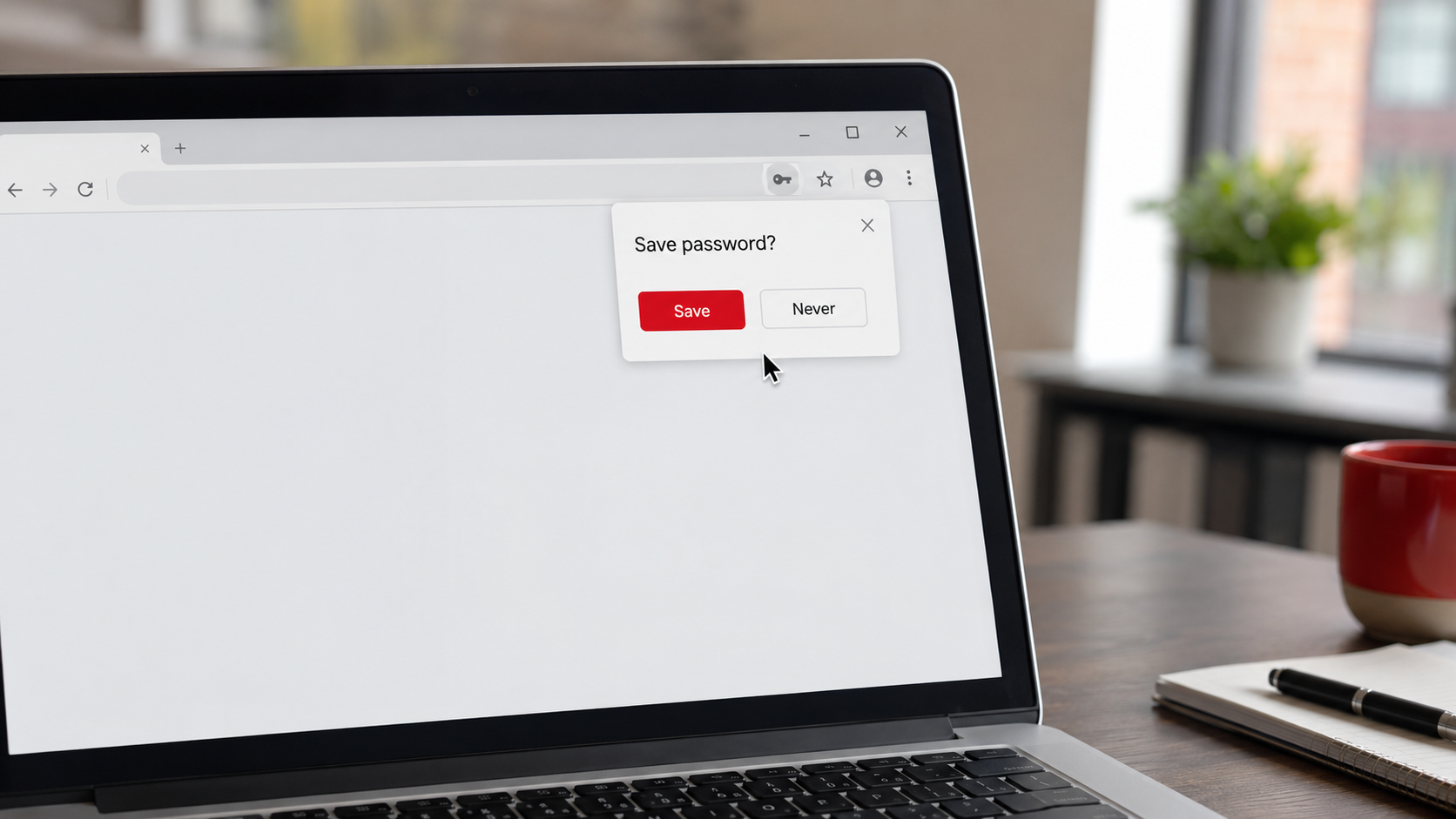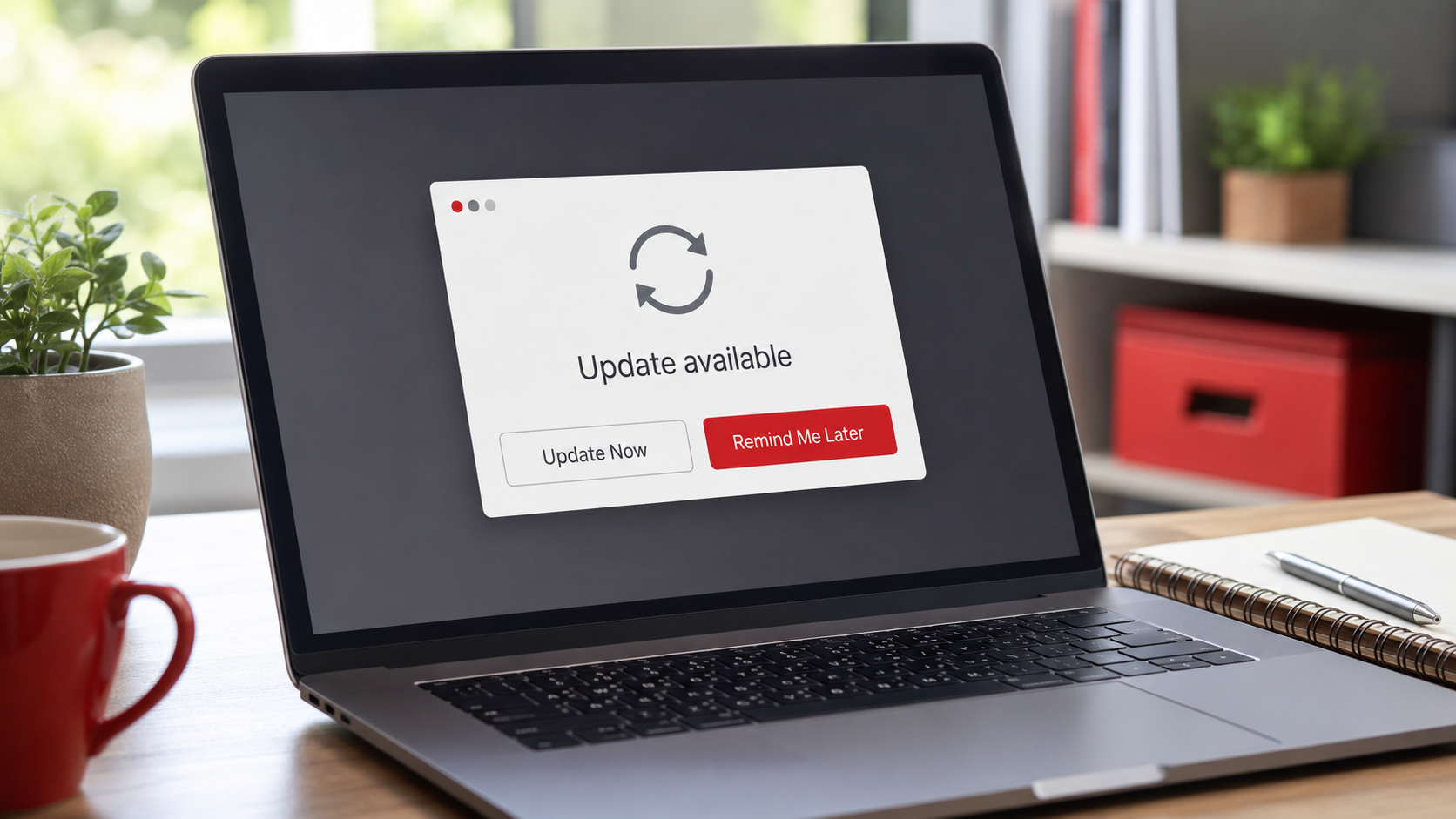
We all do it. The little notification pops up: an update is available, please restart to install. You are in the middle of something, so you click "Remind Me Later," and then later, and then later again. Weeks pass. That update never gets installed. It feels harmless, just a minor annoyance dismissed. But that habit of putting off updates is quietly one of the most common reasons businesses get breached, and understanding why will change how you see that little notification forever.
Here is the fact that surprises people most: a huge share of successful cyberattacks exploit security holes that had already been fixed, sometimes months earlier. The update that would have closed the door was sitting there, ignored, while the door stayed open. In other words, many breaches are not clever new attacks at all. They are attacks on businesses that simply never installed the fix. That makes software updates one of the cheapest, most powerful security tools you have, and it is free. Let me explain what is really going on, and give you a simple routine so this never becomes your weak point.
What a patch actually is
Let us start with the basic idea, because the word "update" hides how important these are. Software is not finished when it ships. Over time, the people who make it discover problems, including security holes, weaknesses in the software that a criminal could exploit to break in or cause harm. When they find one, they release a fix for it. That fix is called a patch, and it usually arrives as one of those routine updates.
So when you see "update available," it is often not just new features or minor tweaks. It is frequently a repair for a security weakness that has been discovered. Installing it closes that hole. Ignoring it leaves the hole open on your systems, even though a fix exists. Think of it like a manufacturer discovering a faulty lock on their doors and mailing you a free replacement lock. The update is the new lock. Clicking "Remind Me Later" is leaving the faulty one on your door while the replacement sits in the mailbox.
Why attackers love an unpatched system
Here is the part that really drives home why delaying updates is dangerous, and it is genuinely a little unsettling. You might think a newly discovered security hole is a secret only the software maker knows. Often, the opposite becomes true the moment a patch is released.
When a company puts out a security patch, they typically reveal, at least in general terms, what it fixes. Attackers pay close attention to these releases. They study the patch to understand exactly what weakness it repairs, essentially reverse-engineering it to figure out the hole, and then they build attacks aimed at that specific weakness. Their target is every business that has not yet installed the update. The release of a fix, in other words, can actually kick off a race: the good guys are patching, and the criminals are rushing to exploit everyone who has not.
This means there is a window, after a patch comes out but before you install it, where your systems are especially exposed, because the weakness is now publicly known and actively being attacked, and the only thing protecting you is applying the fix. Every day you delay an update, you are sitting in that window. This is why "I'll get to it later" is not neutral. It is a decision to stay exposed to a threat that is actively hunting for exactly your situation. It is also why unpatched software shows up so often as the way attackers get in, a point we illustrate in our walkthrough of how a cyberattack actually unfolds.
The cost of "later"
So what is the real cost of clicking "Remind Me Later"? On the surface, it saves you a few minutes and a restart. Underneath, it can leave a known, fixable hole open on your systems for weeks or months, precisely the kind of hole that automated attacks scan the internet to find. The math is lopsided: a tiny, one-time inconvenience versus an ongoing, entirely avoidable exposure that can lead to a breach costing you enormously. Few security decisions have such a clear, favorable trade-off as simply installing your updates. It is protection that costs nothing but a little attention.
The reassuring flip side is that this is one of the easiest weaknesses to eliminate completely. You do not need to buy anything or become technical. You just need to stop clicking "Remind Me Later" and put a simple routine in place. Here is how.
A 15-minute monthly update routine for a small office
The best approach to updates is mostly to automate them, and then spend a few minutes each month on the things automation misses. Here is a simple routine that keeps a small office protected without much effort.
First, and most importantly, turn on automatic updates everywhere you can. Most computers, phones, and major software can install updates automatically, which means the fixes get applied without anyone having to remember. This single step handles the majority of your updates on its own. Go through your devices and key software once and switch automatic updates on. For most of your technology, this is the whole solution.
Then, once a month, spend about fifteen minutes on a quick check of the things that do not update themselves. This includes confirming your computers and phones actually installed their recent updates (occasionally one gets stuck or waits on a restart), checking any software or apps that do not update automatically and updating them, and remembering the devices people forget, especially your network router and any other connected equipment, which have updates too and are easy to overlook. Our piece on securing your router covers this, and it fits right into this monthly check.
While you are at it, watch for software that has reached the end of its life. Sometimes a product stops receiving updates entirely because the maker no longer supports it. Software that no longer gets security patches is a growing risk, because new holes will never be fixed. When you find something in that state, plan to replace or upgrade it, because no amount of diligence can patch software that no longer receives patches.
That is the whole routine: automate what you can, and spend fifteen minutes a month catching the rest. For a small office, that modest habit closes one of the most commonly exploited doors in all of cybersecurity.
Updates are one layer, not the whole wall
One honest note, so you have the full picture. Keeping your software updated is essential, but it is one layer of protection, not the entire defense. It closes the known holes, which is hugely valuable, but you still want the other fundamentals working alongside it: strong logins and multi-factor authentication, protected devices, careful habits, and modern protection that watches for threats. Updates and good device protection work together, which is why they belong side by side, as we discuss in our guide to endpoint protection and why antivirus alone is not enough. Updates are a cornerstone, and they are strongest as part of a complete foundation.
How we think about it
Keeping software current is such a high-value, low-cost protection that it is a natural part of how we think about security at Red Door Shield, through a simple framework we call KIT: Keep, Inspect, Trust. Keep what is valuable secure, which absolutely includes keeping your systems patched so known holes are closed before anyone can use them. Inspect what is coming in, with monitoring that helps catch threats, including attempts to exploit unpatched weaknesses. And trust through validation, the diligence of confirming updates are actually applied rather than assuming they are. For businesses we protect, we make sure updates are handled and verified across their systems, so this common weak point simply is not one, and no one has to remember to stop clicking "Remind Me Later."
What ready looks like
Picture your business with updates handled: automatic updates on across your devices, a quick monthly check that catches the router and the stragglers, and any unsupported software identified and replaced. When a new security hole is discovered and a patch comes out, your systems get the fix promptly, closing the window before the attackers rushing to exploit it can find you open. The single most commonly exploited weakness in cybersecurity, unpatched software, is one you have simply eliminated, at no cost.
That is what ready feels like. Not leaving free fixes sitting in the mailbox while the door stays open, but installing the new lock the moment it arrives, so the hole is closed before anyone can walk through it.
Software updates really are your cheapest security tool, free protection that closes holes attackers are actively hunting for, and the only thing standing between you and that protection is the habit of installing them instead of deferring them. Turn on automatic updates today, and put that fifteen-minute monthly check on your calendar. And if you want updates and the rest of your fundamentals handled and verified across your business so none of it depends on remembering, our free Business Security Assessment is the place to start, and it is a conversation worth having today.
Learn about the anatomy of a cyberattack, read about endpoint protection, or see our 30-day cybersecurity plan.
Know Where Your Business Stands
Our free Business Security Assessment gives you a clear, professional picture of your current security posture in less than 10 minutes. No technical knowledge required.
Not sure where your business actually stands?
Take our free Business Security Assessment. In under 10 minutes, you will know exactly where your gaps are and what it would take to close them.
Get My Free Security Assessment